

"How many messages can I send on WhatsApp?" is one of the most common questions from businesses starting broadcasts. The answer depends on your account type and messaging tier. This guide explains the real limits and how to increase them without hurting your account.
App vs API limits
The free WhatsApp Business App caps broadcast lists at 256 saved contacts, a hard limit that does not scale. The WhatsApp Business API has no such cap; instead it uses messaging tiers based on quality and volume.
How API messaging tiers work
On the API, the limit is the number of unique customers you can message first (business-initiated) per rolling 24 hours.
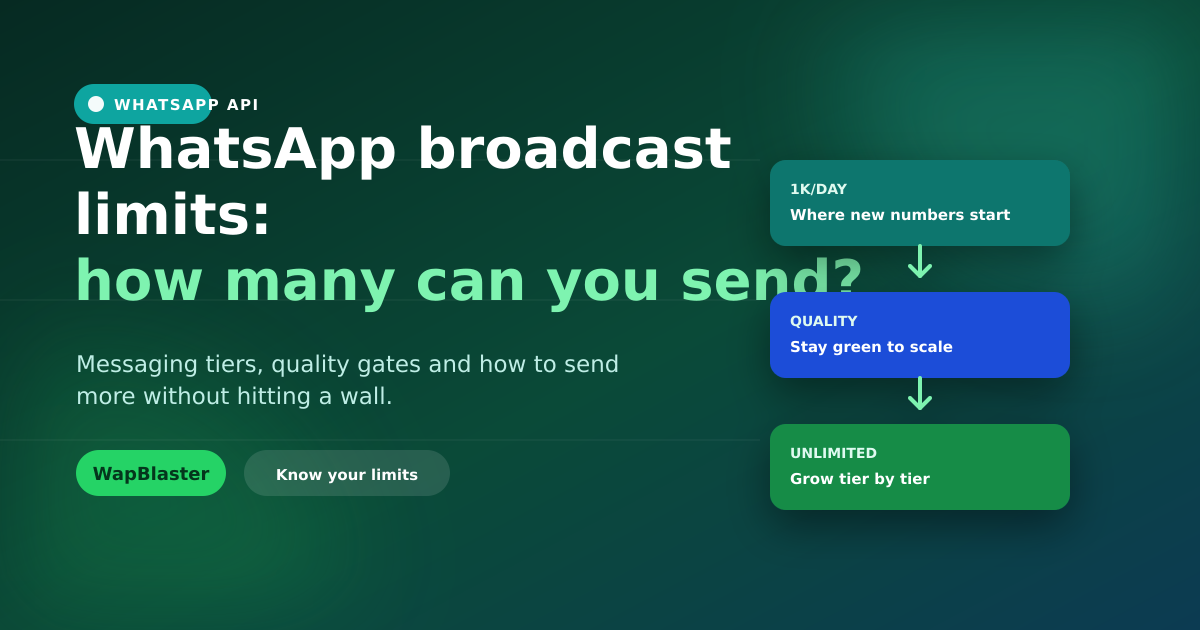
- New numbers typically start at 1,000 unique customers per day.
- Tiers rise to 10,000, then 100,000, then unlimited.
- Customer-initiated conversations are not capped this way.
Our scaling guide and messaging tiers guide go deeper.
How to raise your limit
You climb tiers automatically by sending quality volume: use a good share of your current limit while keeping a healthy quality rating. Volume plus quality unlocks the next tier.
Do not confuse limits with cost
Limits control how many you can send; pricing controls what each conversation costs. Sending within your tier still incurs per-conversation charges, see the pricing guide. Sending a huge volume of irrelevant messages will hurt both your quality rating and your budget.
Send smart, not just more
Hitting your limit is rarely the real constraint; relevance is. A smaller, well-targeted, opted-in send outperforms a massive blast and protects your ability to scale. Our cost guide covers doing more with less.
Frequently asked questions
How many WhatsApp messages can I send per day?
On the free Business App, broadcast lists are capped at 256 saved contacts. On the WhatsApp Business API there is no fixed cap; you start at around 1,000 unique business-initiated conversations per day and scale to 10,000, 100,000 and unlimited based on quality and volume.
How do I increase my WhatsApp broadcast limit?
Use a good share of your current daily limit while maintaining a healthy quality rating. Meta then raises you to the next tier automatically. Consistent volume plus good quality is what unlocks higher limits.
Do customer replies count toward my limit?
No. The tier limit applies only to business-initiated conversations that you start. Conversations customers initiate are not capped in the same way, which is another reason to encourage inbound messaging.
Does sending within my limit still cost money?
Yes. Limits and pricing are separate. Even within your tier, conversations incur Meta's per-conversation charges by category. Sending relevant messages to opted-in contacts keeps both your costs and your quality rating healthy.
Scale your sends safely. Learn about broadcasts or start with WapBlaster.