

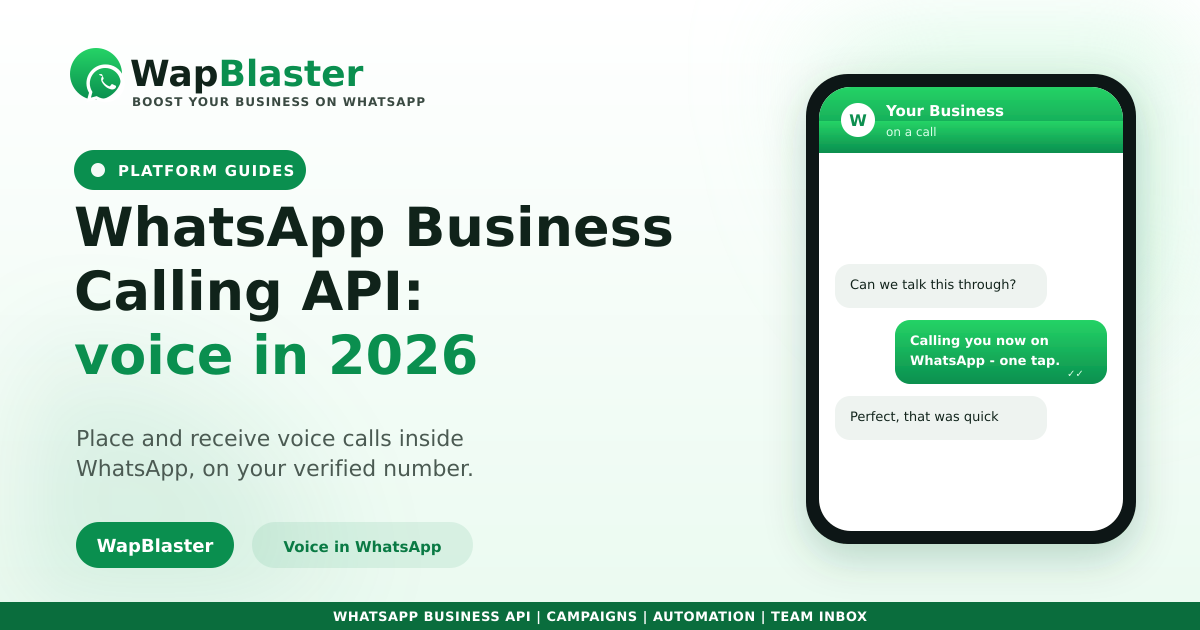
Messaging has always been WhatsApp's strength, but some conversations are faster by voice. The WhatsApp Business Calling API lets businesses place and receive voice calls directly inside WhatsApp, turning a chat into a call without leaving the app. Here is what it is, how it works and where it fits into your 2026 strategy.
What the Business Calling API does
It adds real voice calling to the same WhatsApp number your customers already message, so support and sales can escalate from text to voice in one tap.
- Customers call your business number inside WhatsApp.
- Your team can call back opted-in customers for high-value conversations.
- Calls stay on the trusted, verified business profile customers recognise.
When voice beats text
Chat is ideal for most interactions, but a quick call resolves complex or sensitive issues faster.
- Troubleshooting that would take many messages.
- High-value sales where a conversation closes the deal.
- Sensitive topics where tone and reassurance matter.
How it fits with your messaging
Voice complements, rather than replaces, your automated flows. Keep using a chatbot and templates for scale, then offer a call for the moments that need a human. Pair it with a shared team inbox so calls and chats live in one place.
Keep it opt-in and useful
As with messaging, calling must respect consent and relevance, following the same policy principles. Call people who expect it, at sensible times, for reasons that genuinely help them.
Frequently asked questions
What is the WhatsApp Business Calling API?
It is a capability that lets businesses place and receive voice calls inside WhatsApp, on the same verified number customers message. It allows support and sales teams to escalate from chat to a voice call without the customer leaving the app.
When should I use voice instead of chat?
Use voice for complex troubleshooting, high-value sales conversations and sensitive topics where tone and reassurance matter. For everything else, chat and automation are faster and scale better, so treat calling as an escalation, not the default.
Does calling replace WhatsApp automation?
No. Automated flows, chatbots and templates still handle scale and routine interactions. The Calling API adds voice for the moments that genuinely need a human, so the two work together rather than one replacing the other.
Do the same consent rules apply to calls?
Yes. Calling should respect opt-in and relevance just like messaging. Call customers who expect to hear from you, at reasonable times, for reasons that help them, to protect trust and your number's standing.
Bring voice into your WhatsApp. Explore WapBlaster API or start free.