

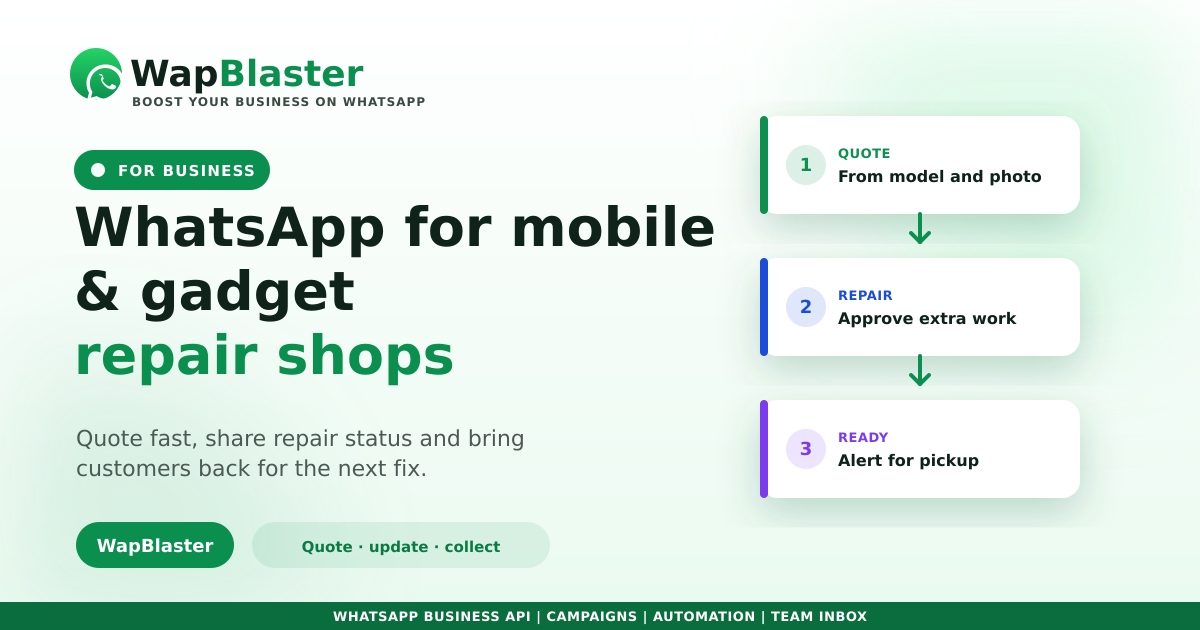
When someone's phone or laptop breaks, they want two things immediately: a fair quote and to know when it will be fixed. Repair shops that answer fast and keep customers updated win the job and the review. WhatsApp is perfect for it, letting you quote from a photo, share repair status without endless "is it ready?" calls, and bring customers back for the next issue.
Quote fast and win the repair
Repair enquiries are urgent and price-compared, so speed wins.
- Reply instantly, even after hours with a chatbot.
- Ask for the device model and a photo of the issue to quote accurately.
- Send an estimate and expected turnaround in chat.
Fast response time is your biggest edge over the shop next door.
Keep customers updated on status
The number one repair-shop frustration is not knowing what is happening. Proactive updates fix that and cut interruptions to your bench work.
- Confirm the device received and diagnosis.
- Update if extra parts or cost are needed, and get approval in chat.
- Alert the moment it is ready to collect.
Approve extra work without delays
When a repair needs more than quoted, a quick WhatsApp message with the reason and revised price gets approval fast, so the job is not stuck waiting and the customer is never surprised at the counter.
Collect payment and follow up
Share a payment link so the customer can pay before or at pickup, and follow up afterward to check everything is working. A satisfied, well-informed customer leaves a good review and comes back for the next device.
Stay organised and opt-in
Track every job and update in a shared inbox so nothing is lost, keep messaging relevant and permission-based per policy, and let customers opt out easily.
Frequently asked questions
How do repair shops use WhatsApp?
To reply to enquiries fast, quote from the device model and a photo, keep customers updated from diagnosis to ready-for-collection, get approval for extra work, take payment with a link, and follow up to earn reviews and repeat business.
Can I quote a repair over WhatsApp?
Yes. Ask for the device model and a photo of the problem, then send an estimate and expected turnaround in chat, winning time-sensitive, price-compared enquiries without the customer visiting first.
How does WhatsApp reduce "is it ready?" calls?
Proactive status updates, device received, diagnosis, ready to collect, keep customers informed so they stop calling to ask, which protects your bench time while making the service feel professional.
How do I handle extra repair costs?
Send a quick WhatsApp message explaining the reason and the revised price to get approval before proceeding, so the job is not stuck waiting and the customer is never surprised by the final bill.
Fix faster, communicate better. Explore WapBlaster or start free.