

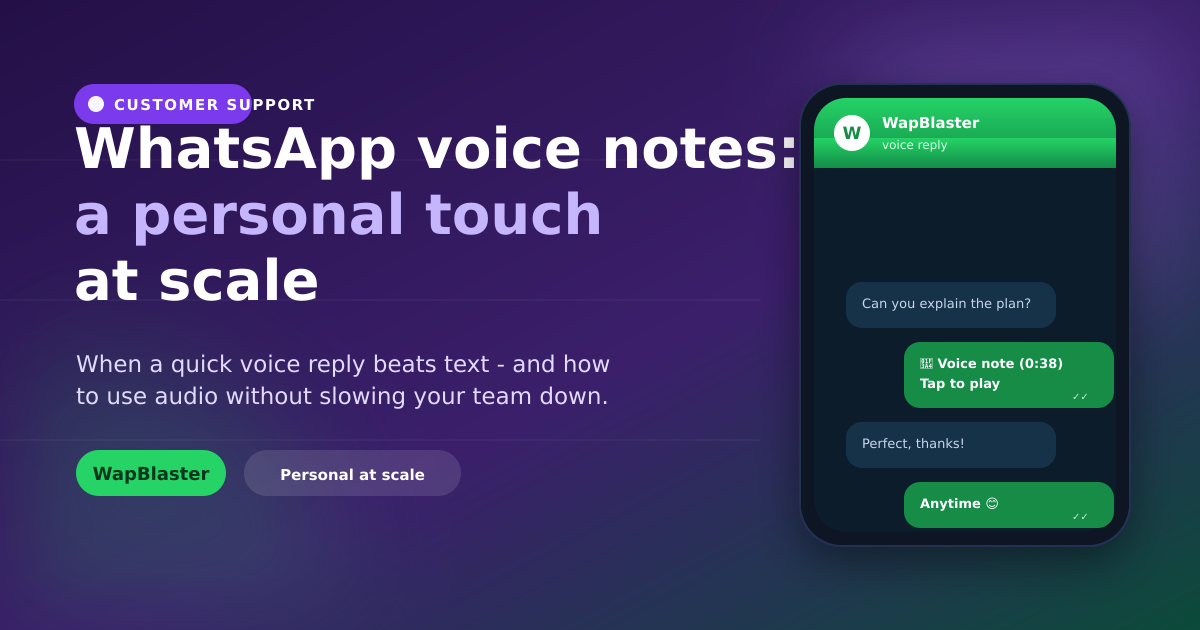
Text is efficient, but it can feel cold and it struggles with nuance. A short WhatsApp voice note can explain a complex point, convey warmth, and build rapport in seconds. Used well, voice notes add a human touch that sets your business apart, without becoming a time sink. Here is how to use them effectively.
When a voice note beats text
Voice is the right tool in specific moments.
- Explaining something complex that would take paragraphs to type.
- Adding warmth to an apology, a thank-you or a personal update.
- Answering a detailed question faster than typing allows.
When to stick with text
Voice is not always better. Keep text for anything the customer needs to reference later, links, prices, addresses, order numbers, and for quick confirmations. Never force someone to listen to a two-minute note for a one-line answer.
Keep voice notes effective
- Keep them short, aim for under 45 seconds.
- Get to the point quickly; do not ramble.
- Follow up key details (links, numbers) in text.
- Speak clearly and warmly, like a helpful colleague.
Use them without slowing the team
Voice notes are for high-value, personal moments, not every reply. Automate routine answers with a chatbot and reserve voice for conversations where a human touch converts or retains. Manage it all in a shared team inbox so any agent can pick up the thread.
Accessibility and preference
Some customers cannot or prefer not to use audio. Offer a text alternative for important information and take cues from how the customer communicates, if they text, mostly text back.
Frequently asked questions
When should a business use WhatsApp voice notes?
Use them to explain complex points quickly, add warmth to apologies, thank-yous or personal updates, and answer detailed questions faster than typing. They shine in high-value, personal moments rather than routine replies.
When should I use text instead of a voice note?
Use text for anything the customer needs to reference later, links, prices, addresses, order numbers, and for quick confirmations. Never send a long voice note for a one-line answer the customer must replay to catch.
How long should a business voice note be?
Keep it under about 45 seconds. Get to the point quickly, avoid rambling, and follow up any key details like links or numbers in text so they are easy to find and reference.
Do voice notes slow down a support team?
Not if used selectively. Automate routine answers with a chatbot and reserve voice notes for high-value, personal conversations. This keeps the personal touch where it matters without adding overhead to every reply.
Add a human touch that scales. See the team inbox or start with WapBlaster.