

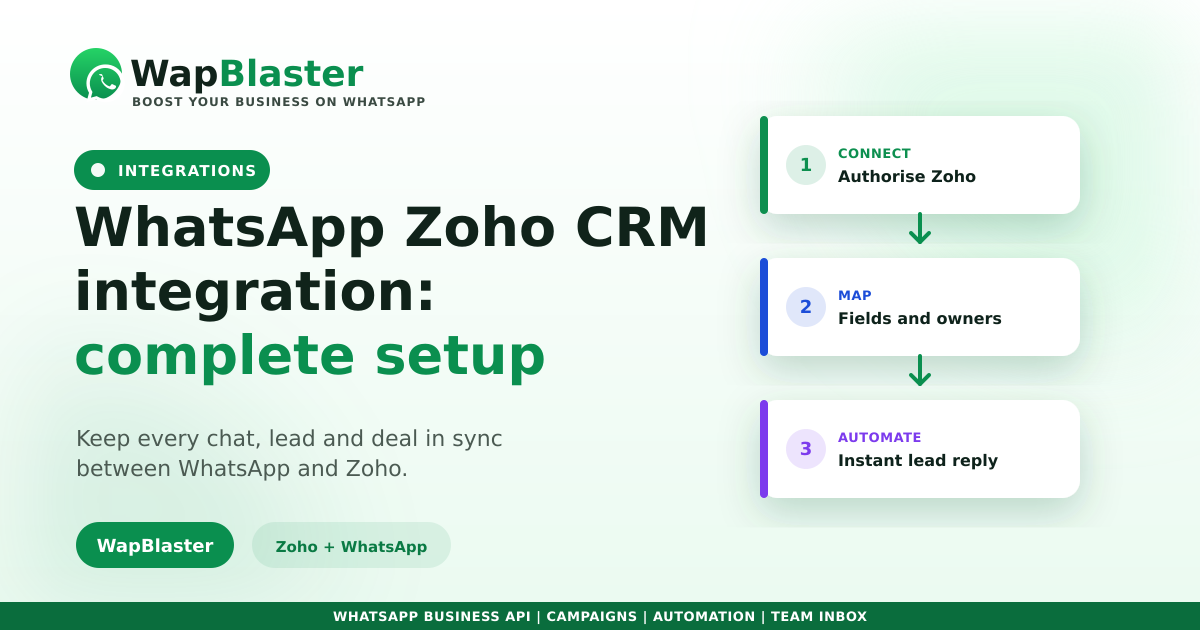
Zoho CRM holds your pipeline; WhatsApp is where your customers actually reply. Keeping them separate means copy-pasting conversations and losing context at exactly the wrong moment. Connecting the two puts every chat, lead and deal in one place. Here is what the integration does, how to set it up and which flows are worth automating.
What the integration gives you
The point is a single source of truth: your reps work in WhatsApp, and Zoho records everything automatically.
- Conversations logged against the right lead or contact.
- New WhatsApp enquiries created as Zoho leads automatically.
- Deal stage changes able to trigger WhatsApp messages.
- Full chat history visible to whoever picks up the deal.
How to set it up
You need the official WhatsApp Business API on a verified number, then connect it to your Zoho account and map the fields.
- Connect your WhatsApp Business API number to the platform.
- Authorise Zoho CRM and pick the modules to sync (Leads, Contacts, Deals).
- Map fields: phone number, name, source, owner.
- Decide which events trigger which messages.
The flows worth automating first
Do not try to automate everything on day one. Start with the moments that cost you deals.
- Instant lead response when a new Zoho lead is created, which is the single biggest win, as our lead response guide explains.
- Follow-up reminders when a deal sits untouched.
- Quote and proposal delivery straight into the chat.
- Payment and renewal nudges tied to deal stage.
Keep the data clean
An integration multiplies whatever quality your data already has. Enforce consistent phone formatting with country codes, or you will see undeliverable errors. Keep consent recorded in Zoho so marketing stays within policy, and read our wider CRM integration guide for the general principles.
Frequently asked questions
How do I integrate WhatsApp with Zoho CRM?
Connect an official WhatsApp Business API number to a platform that supports Zoho, authorise your Zoho account, choose which modules to sync such as Leads, Contacts and Deals, then map phone, name, source and owner fields and define your trigger events.
Can Zoho CRM send WhatsApp messages automatically?
Yes. Once connected, Zoho events can trigger WhatsApp messages, for example an instant reply when a lead is created, a follow-up when a deal goes quiet, or a renewal reminder tied to deal stage. Business-initiated messages need approved templates.
Will WhatsApp conversations be logged in Zoho?
Yes, that is the main benefit. Chats are recorded against the matching lead or contact, so whoever picks up the deal sees the full history instead of asking the customer to repeat themselves.
What do I need before connecting Zoho to WhatsApp?
An official WhatsApp Business API number, approved message templates for any outbound messaging, and clean contact data with consistent country-code formatting. Recording consent in Zoho also keeps your marketing messages compliant.
Sync WhatsApp with your CRM. Explore WapBlaster API or start free.