

Shopify WhatsApp Notifications: Automate Order Confirmations, Shipping and Delivery Updates
Email order updates are easy to miss. WhatsApp messages are opened quickly, which makes them ideal for the moments customers actually care about: confirming an order, knowing it has shipped, and hearing that it has arrived. WapBlaster's Shopify integration connects your store to the official WhatsApp Business API and sends these updates automatically, so customers stay informed and support tickets go down.
This guide explains what the integration does and how to set it up responsibly, using the events WapBlaster actually supports.
What the Shopify integration can send
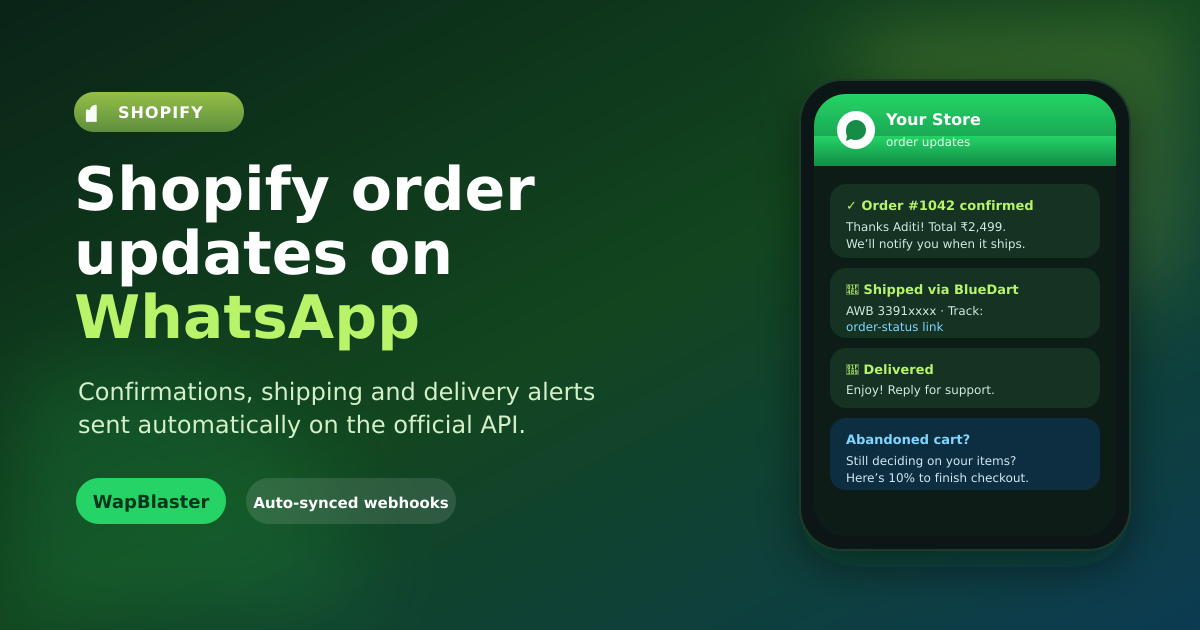
Once connected, WapBlaster listens to your store's events through Shopify webhooks and can send a WhatsApp message for each one using an approved template. Supported notifications include:
- Order confirmation when a customer places an order.
- Order shipped with tracking and the order status link.
- Order fulfilled when items are marked fulfilled.
- Order cancelled so customers are told promptly.
- Order delivered to close the loop and invite feedback.
- Refund processed for transparent post-purchase communication.
- Abandoned cart reminders for started-but-unfinished checkouts.
Each event can be enabled independently and mapped to its own template, so you control exactly which messages your store sends.
Connect Shopify to WapBlaster
In WapBlaster, open the Shopify integration settings and connect your store using the guided OAuth flow, then register the webhooks. A connection test confirms the store is linked and the webhook status is healthy. Because it uses the official WhatsApp Business API, your messages are sent from your verified business number and follow WhatsApp's rules. If you are new to the API, read the WhatsApp Business API overview first.
Write templates that use order variables
Order notifications work best when they contain the specific details a customer wants. WapBlaster maps Shopify order data into your templates, including values such as the order number and the order status URL. A clear order confirmation might read: "Hi {{1}}, your order {{2}} is confirmed. Track it anytime here: {{3}}. Thank you for shopping with us!"
Keep transactional messages factual and helpful. Get your templates approved before you go live, and make sure each one accurately reflects the event it represents.
Respect consent and WhatsApp policy
Transactional order updates are welcomed by customers, but they still fall under WhatsApp Business Platform rules. Collect appropriate consent to message customers on WhatsApp, keep transactional and promotional content separate, and provide a way to opt out of non-essential messages. Sending relevant, expected updates protects your number's quality rating and your customer relationships.
Reduce "where is my order?" tickets
Proactive shipping and delivery updates are the fastest way to cut repetitive support questions. When a customer already knows their order shipped and has the tracking link on WhatsApp, they rarely need to contact support. Pair notifications with a WhatsApp chatbot or a shared inbox so replies to those messages are answered quickly.
Do not forget abandoned carts
The same integration can help recover sales that were nearly lost. A well-timed, polite WhatsApp reminder for an abandoned checkout often brings shoppers back. The dedicated Shopify abandoned cart recovery guide covers timing, incentives, and compliance in detail.
Frequently asked questions
Can WapBlaster send Shopify order confirmations on WhatsApp automatically?
Yes. After you connect Shopify and register webhooks, WapBlaster can automatically send an approved-template WhatsApp message when an order is placed, shipped, fulfilled, delivered, cancelled, or refunded.
Which Shopify events does WapBlaster support?
Order confirmation, order shipped, order fulfilled, order cancelled, order delivered, refund processed, and abandoned cart reminders — each can be enabled separately with its own template.
Does it use the official WhatsApp Business API?
Yes. Messages are sent through the official WhatsApp Business API from your verified business number, so notifications follow WhatsApp's policies.
How do I personalise order messages?
WapBlaster maps Shopify order details, such as the order number and order status URL, into your approved template variables so each message shows the customer's real order information.
Keep Shopify customers informed on WhatsApp automatically. Get started with WapBlaster or talk to the team about your store.