

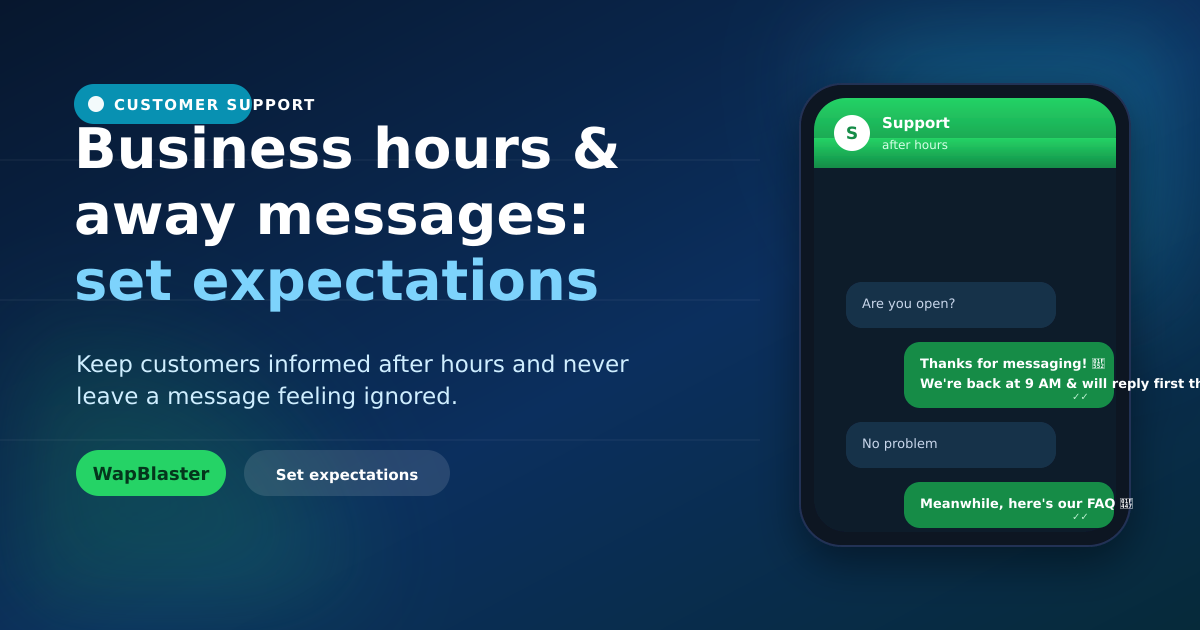
Customers message whenever it suits them, including nights and weekends. If they hit silence, they feel ignored and may go elsewhere. Well-crafted business hours and away messages set clear expectations, reassure customers, and keep them engaged until you can reply. This small touch makes a big difference to customer experience.
Why away messages matter
An instant acknowledgement, even an automated one, tells the customer they have been heard.
- It prevents the "did anyone see this?" anxiety.
- It sets a realistic expectation for a reply.
- It keeps the lead warm instead of losing it to a competitor.
Write an away message that reassures
A good away message acknowledges, sets expectations, and offers a next step.
- Thank them and confirm you received the message.
- Say when they can expect a reply (e.g. "by 9 AM tomorrow").
- Offer something useful now: an FAQ, a self-serve link, or a menu.
Set and show business hours
Display your hours on your profile and reflect them in automation, so customers know when you are available. Consistency between what you show and how you respond builds trust.
Bridge the gap with automation
After hours, a chatbot can do more than apologise, it can answer common questions, track orders, or capture the enquiry so your team follows up first thing. This turns dead time into useful service and is a core part of a 24/7 helpdesk.
Greeting messages for first contact
Pair away messages with a warm greeting for new conversations during hours, setting a friendly tone and pointing customers to the fastest way to get help. Manage it all from a shared inbox so nothing slips.
Frequently asked questions
What is a WhatsApp away message?
It is an automated reply sent when you are unavailable, such as outside business hours, that acknowledges the customer's message, sets expectations for when you will reply, and ideally offers a useful next step.
What should an away message say?
Thank the customer and confirm you received their message, tell them when to expect a reply, and offer something useful now, such as an FAQ, a self-serve link or a menu. This reassures them and keeps the lead warm.
How do business hours help on WhatsApp?
Displaying your hours and reflecting them in automation sets clear expectations, so customers know when you are available. Consistency between shown hours and actual responses builds trust and reduces frustration.
Can I do more than apologise after hours?
Yes. A chatbot can answer common questions, track orders or capture enquiries after hours so your team follows up first thing. This turns downtime into useful self-service and improves the customer experience.
Never leave a message unanswered. See the 24/7 helpdesk guide or start with WapBlaster.