

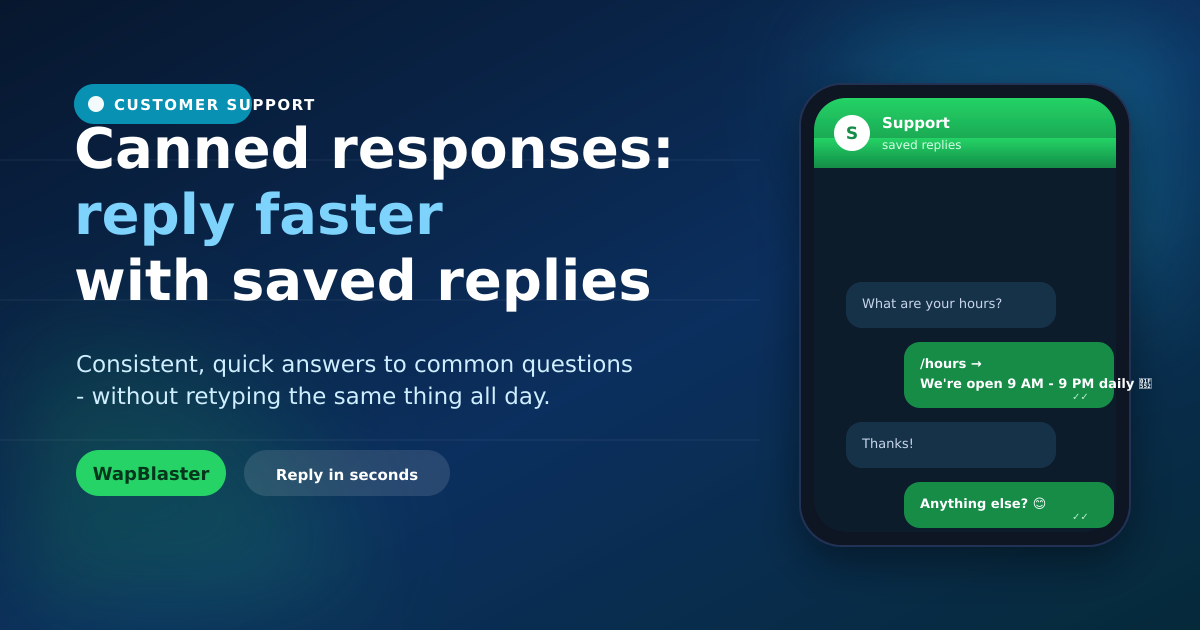
Support and sales teams answer the same questions dozens of times a day: hours, pricing, delivery, returns. Retyping those answers wastes time and invites inconsistency. Canned responses, saved replies you insert in a tap, let your team reply in seconds with accurate, on-brand answers. Here is how to use them without sounding robotic.
What canned responses are
Canned responses are pre-written replies to common questions, saved and inserted with a shortcut so agents do not retype them.
- Faster replies to repetitive questions.
- Consistent, accurate, on-brand answers.
- Less agent fatigue and fewer typos.
Build a library from real questions
Start with the questions your team actually gets most. Review recent chats in your team inbox and write a clear, friendly saved reply for each recurring one.
- Hours, location and contact details.
- Pricing, delivery and returns.
- Common troubleshooting steps.
Keep them human
The risk with canned responses is sounding like a robot. Avoid it by writing in a warm, conversational tone, personalising with the customer's name, and editing the reply when the situation needs it. A saved reply is a starting point, not a wall.
Combine with automation
Canned responses are for agents; for fully repetitive questions, let a chatbot answer automatically and reserve agent time for conversations that need a human. Together they build an efficient 24/7 helpdesk.
Keep the library fresh
Review saved replies regularly: update prices and policies, retire outdated ones, and add new replies as fresh questions emerge. A current, well-organised library keeps your whole team fast and accurate.
Frequently asked questions
What are canned responses in WhatsApp?
They are pre-written replies to common questions, saved and inserted with a shortcut so agents can respond in seconds without retyping. They make support faster, more consistent and less error-prone.
How are canned responses different from a chatbot?
Canned responses are inserted by a human agent to speed up their replies, while a chatbot answers automatically without an agent. Use canned responses for agent efficiency and a chatbot for fully repetitive questions, together for the best coverage.
How do I stop canned responses sounding robotic?
Write them in a warm, conversational tone, personalise with the customer's name, and edit the reply when the situation calls for it. Treat a saved reply as a starting point, not a rigid script.
What should I create canned responses for?
Start with your most frequent questions: hours, location, pricing, delivery, returns and common troubleshooting. Review recent conversations to find the repetitive questions worth turning into saved replies.
Reply in seconds, every time. See the shared team inbox or start with WapBlaster.