

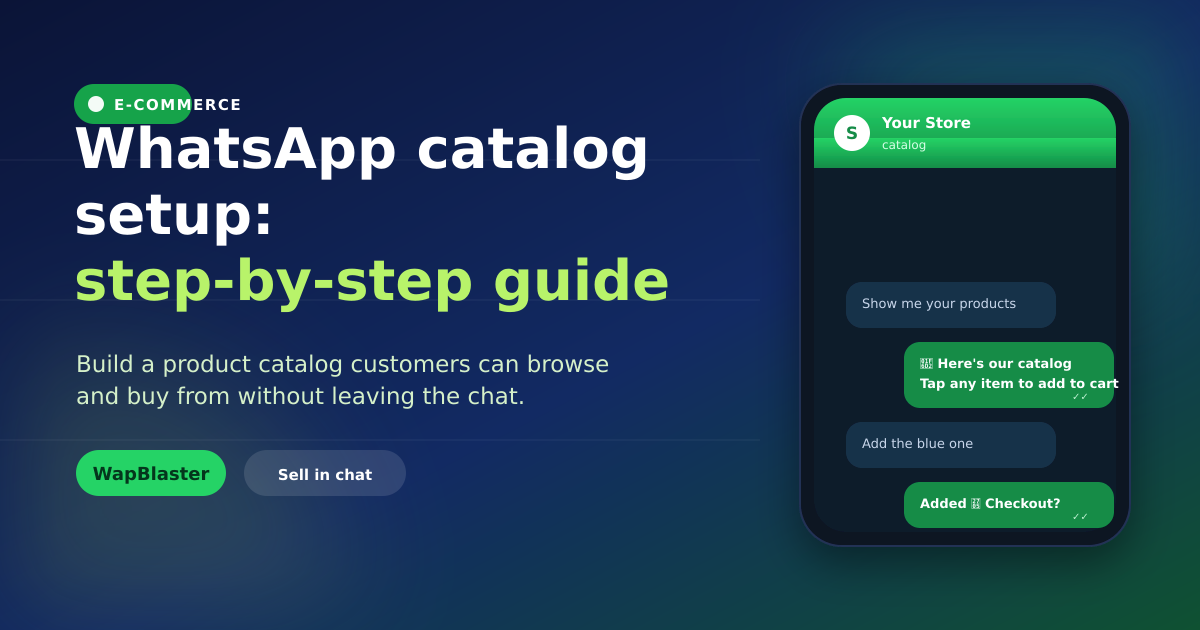
A WhatsApp catalog turns your chat into a mini storefront: customers browse products, see prices and images, and add to cart without ever leaving the conversation. It removes friction and is perfect for conversational selling. This step-by-step guide walks you through setting one up and getting the most from it.
What a WhatsApp catalog is
A catalog is a collection of your products, each with a name, price, description and image, that lives inside WhatsApp. Customers can browse it in chat and build an order, which is ideal for curated ranges and repeat purchases. Learn the commerce side in our catalog and commerce guide.
Before you start
- A WhatsApp Business API account via a provider like WapBlaster.
- Clear product photos and accurate prices.
- Short, benefit-led product descriptions.
Step-by-step setup
- Add products: create each item with name, price, description and image.
- Organise: group products so they are easy to browse.
- Connect your store (optional): sync products from your existing catalog to avoid double entry.
- Test: share the catalog in a chat and place a test order.
Sell more with your catalog
A catalog is only useful if customers see it at the right moment.
- Share it when a customer asks about products.
- Let a chatbot present relevant items automatically.
- Recommend complementary products to lift order value.
Keep it accurate
An out-of-date catalog frustrates buyers. Keep prices and stock current, remove discontinued items, and refresh images. If you sync from a store, updates flow automatically.
Frequently asked questions
What is a WhatsApp catalog?
It is a collection of your products, each with a name, price, description and image, that lives inside WhatsApp. Customers browse it in chat and build an order without leaving the conversation, which suits curated ranges and repeat purchases.
What do I need to set up a WhatsApp catalog?
A WhatsApp Business API account through a provider, clear product photos, accurate prices, and short benefit-led descriptions. You can add products manually or sync them from an existing store catalog to avoid double entry.
How do I sell more using a catalog?
Share it at the right moment, when a customer asks about products, let a chatbot present relevant items automatically, and recommend complementary products to lift order value. Timing and relevance drive catalog sales.
How do I keep my catalog accurate?
Keep prices and stock current, remove discontinued items, and refresh images regularly. If you sync your catalog from an online store, product and price updates flow through automatically, reducing manual work.
Turn chat into a storefront. See in-chat commerce or start with WapBlaster.