

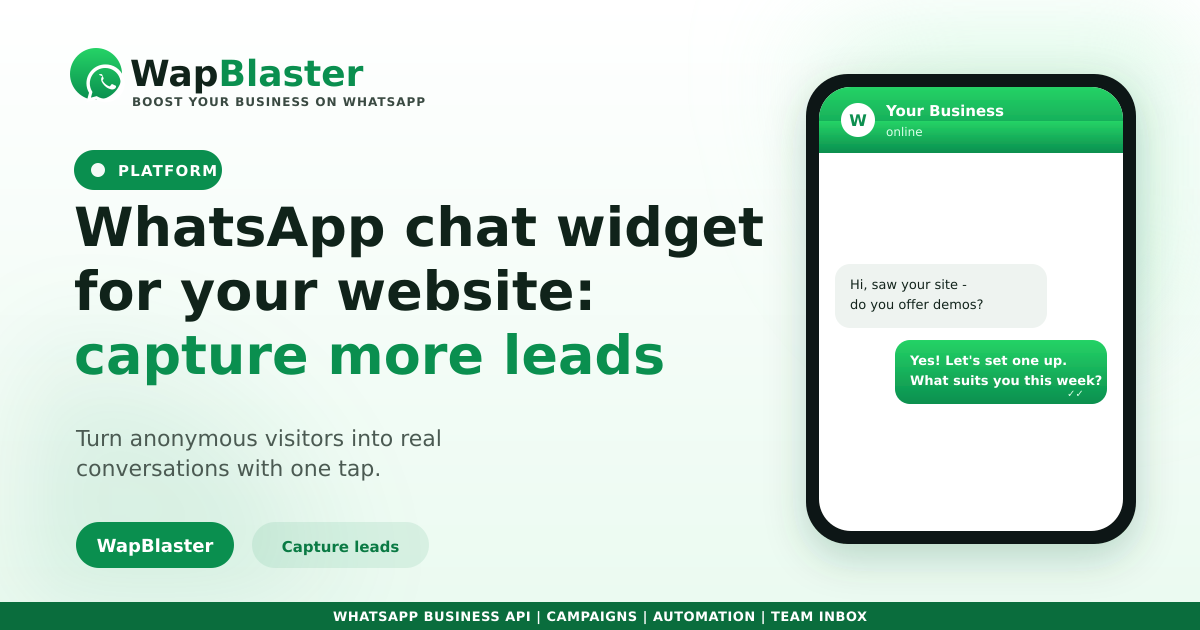
Most website visitors leave without filling in a form. A WhatsApp chat widget, the little floating button in the corner, gives them a one-tap way to start a real conversation instead. It captures intent at the exact moment it is highest. Here is how it works and how to make it convert.
Why a chat widget beats a contact form
Forms are friction: people have to type details and then wait, unsure if anyone will reply. A chat widget removes that doubt.
- One tap opens a familiar WhatsApp chat, no typing of email or phone.
- You capture the visitor's number automatically when they message.
- The conversation continues even after they leave your site.
- Replies feel instant and personal, not like a ticket in a queue.
Set it up to convert, not just exist
A widget that just sits there does little. Configure it to invite the right action.
- Add a short, specific greeting such as "Questions about pricing? Chat with us."
- Pre-fill a message so the visitor's intent is captured from the first tap.
- Route incoming chats into a shared inbox so no lead is missed.
- Back it with a chatbot for instant first replies outside working hours.
Respond fast, capture everything
The widget only pays off if you reply quickly, which our lead response guide shows is the biggest conversion lever. Sync every chat to your CRM so the visitor becomes a tracked lead with full context, not a one-off message.
Combine with other entry points
The website widget is one doorway. Pair it with QR codes on print and packaging and lead magnets so every channel funnels into the same WhatsApp inbox. Keep opt-in clear since each chat is a new contact.
Frequently asked questions
What is a WhatsApp chat widget?
It is a floating button on your website that opens a WhatsApp chat with your business in one tap. It captures the visitor's number automatically when they message and lets the conversation continue even after they leave your site.
Is a chat widget better than a contact form?
For most businesses, yes. It removes the friction of filling in a form and waiting, gives an instant and personal reply, and keeps the conversation going on a channel people check constantly. Forms still suit detailed structured submissions.
How do I make the widget convert?
Use a specific greeting, pre-fill the opening message to capture intent, route chats into a shared inbox, back it with a chatbot for instant replies, and sync everything to your CRM so each visitor becomes a tracked lead.
Do I need the WhatsApp API for a chat widget?
A basic click-to-chat widget works with any number, but to handle volume, route to multiple agents, automate replies and track leads in a CRM, the official WhatsApp Business API is what makes it scale.
Turn visitors into chats. Explore WapBlaster or start free.