

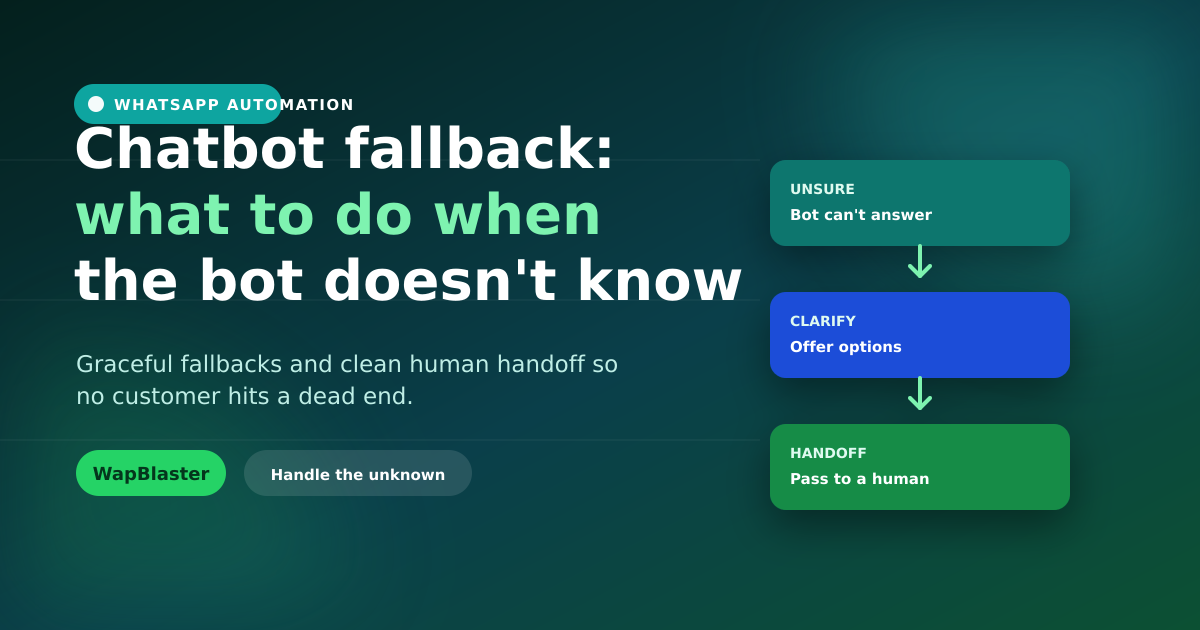
No chatbot understands everything. The difference between a helpful bot and a frustrating one is not how much it knows, but how gracefully it handles what it does not. A good fallback keeps the customer moving instead of trapping them in a loop. Here is how to design fallbacks that protect the experience.
Why fallbacks make or break a bot
When a bot repeatedly replies "sorry, I did not understand", customers give up and trust erodes. A dead end is worse than no bot at all.
- Loops and dead ends frustrate and lose customers.
- A clean fallback turns confusion into progress.
- It is the safety net that makes automation feel safe.
Offer options, not apologies
When the bot is unsure, do not just apologise, help. Present the most likely choices as tappable buttons so the customer can steer back on track without rephrasing.
Always offer a human
The single most important fallback is a clear route to a person. After a failed attempt or two, or whenever the customer asks, hand off to a human in your team inbox with the full context so they do not repeat themselves.
Design fallbacks deliberately
- Set a limit, after one or two misunderstandings, escalate.
- Detect frustration or explicit "talk to a human" requests.
- Capture the question so an agent can follow up if offline.
- Log unrecognised questions to improve the bot over time.
Our flow design guide covers building these paths.
Improve from every miss
Each unanswered question is data. Review them regularly and add the common ones to your bot, so the fallback rate keeps dropping and your chatbot gets smarter over time.
Frequently asked questions
What is a chatbot fallback?
It is how a chatbot responds when it cannot understand or answer a question, ideally by offering likely options and a clean handoff to a human, rather than looping on "sorry, I did not understand" and trapping the customer.
How should a chatbot handle questions it cannot answer?
Offer the most likely choices as tappable buttons to steer the customer back on track, and after one or two failed attempts, or on request, hand off to a human with full context so they do not repeat themselves.
When should a chatbot escalate to a human?
After one or two misunderstandings, when it detects frustration, or whenever the customer asks. A prompt, clean escalation with context prevents the dead ends that erode trust in automation.
How do I make my chatbot smarter over time?
Log unrecognised questions and review them regularly, then add the common ones to your bot's flows. This steadily lowers the fallback rate and improves the customer experience.
Build bots that never dead-end. Try the chatbot builder or start free.