

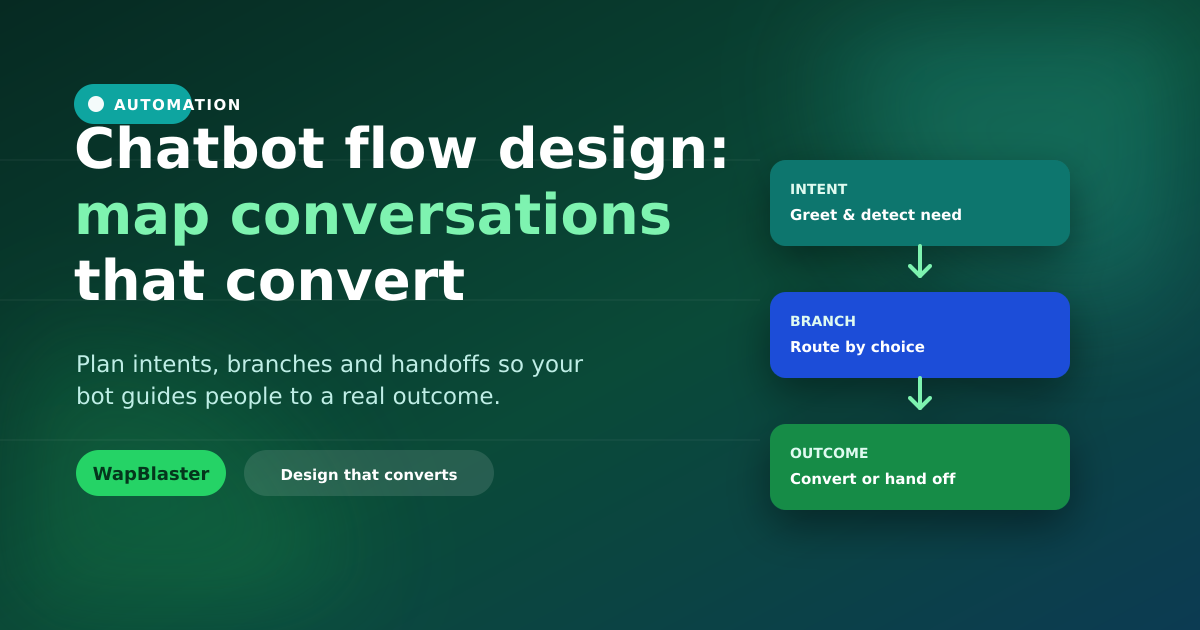
Most chatbots fail not because of the technology but because of the design. A bot that fires random menus and dead-ends frustrates people. A well-mapped flow feels like a helpful guide that moves each person toward a clear outcome — a booking, a sale, a resolved question. This guide shows how to design flows that actually convert.
Start with outcomes, not menus
Before you build anything, list the outcomes you want the bot to produce.
- Capture a qualified lead and route it to sales.
- Answer the top questions without a human.
- Book or confirm an appointment or order.
- Escalate cleanly to a person when needed.
Every branch should move toward one of these, or it does not belong.
Map intents first
Intents are the reasons people message you: "check my order", "book a slot", "pricing", "talk to a human". Group your real inbound questions into a handful of intents, then design a path for each. Reading past conversations in your team inbox is the fastest way to find them.
Design the branches
For each intent, sketch the shortest path to the outcome.
- Open with a warm greeting and a clear set of tappable options.
- Ask one question at a time; never dump a wall of text.
- Use buttons and lists to keep replies structured and clean.
- Confirm what you understood before acting on it.
Plan the human handoff
The mark of a good bot is knowing when to step aside. Always offer a "talk to a person" route, and hand off with context so the customer never repeats themselves. A smooth escalation to a live agent turns a potential dead-end into a win. See how bots and agents work together in our 24/7 helpdesk guide.
Write like a human
- Keep messages short, friendly and specific.
- Set expectations ("I can help with orders, bookings and FAQs").
- Always provide a way back or out — no one should feel trapped.
- Handle "I did not understand" gracefully with a fallback to options or a human.
Test, measure and refine
Walk every path yourself, then watch real conversations. Track completion rate per intent, drop-off points, and how often people ask for a human. Fix the steps where people stall. A flow is never "done" — small refinements compound into big gains. Build and iterate visually with the WhatsApp chatbot builder.
Frequently asked questions
What makes a WhatsApp chatbot flow convert?
A clear outcome for every path, short one-question-at-a-time steps, tappable options instead of free text, and a clean handoff to a human when needed. Flows that guide people toward a booking, sale or resolved question convert; aimless menus do not.
How do I decide what my chatbot should handle?
Read your real inbound conversations and group them into a handful of intents such as order status, booking, pricing and "talk to a human". Design a short path for each. This grounds your bot in what customers actually ask.
When should a chatbot hand off to a human?
Whenever the request is complex, emotional, or outside the bot's defined intents, and whenever the customer asks. Always offer a "talk to a person" option and pass context so the customer does not repeat themselves.
Do I need to code to build a chatbot flow?
No. A visual, no-code builder lets you design intents, branches and handoffs by dragging and connecting steps. You can test and refine flows without a developer, then iterate based on real conversation data.
Design flows that convert. Try the chatbot builder or start free with WapBlaster.