

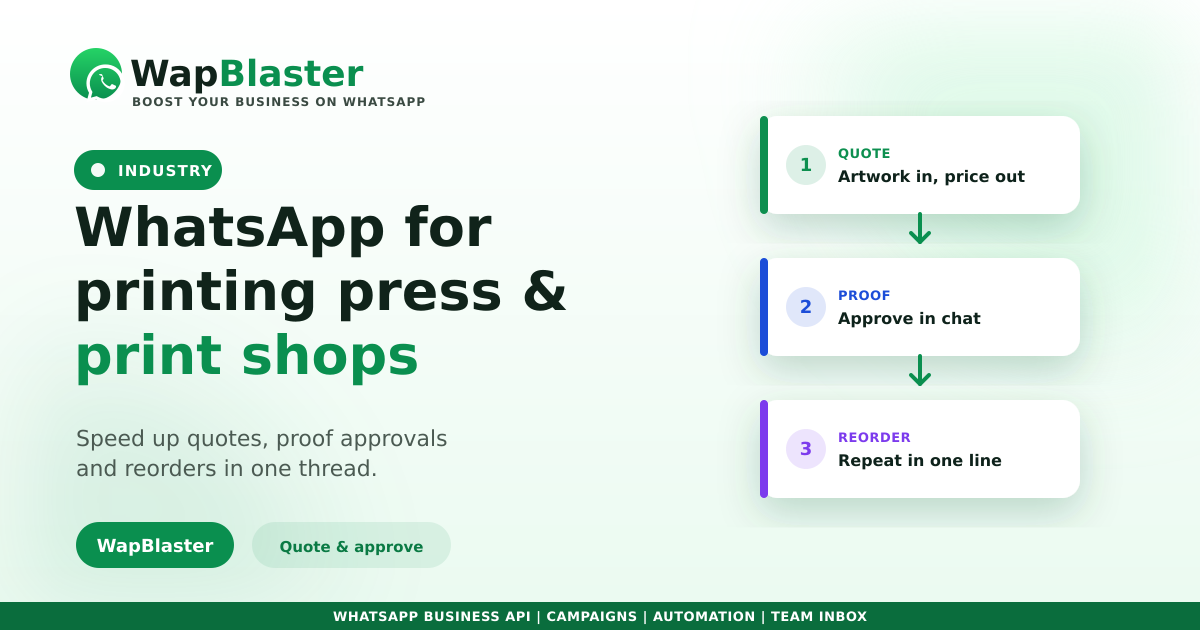
A printing press runs on files, quotes, proofs and deadlines. Customers send artwork, ask for a price, approve a proof, then come back for reprints. All of that is slow over email and phone, and fast on WhatsApp. On the official WhatsApp Business API, it becomes a smooth, trackable workflow. Here is how.
Where WhatsApp helps a print shop
The print workflow is full of back-and-forth that chat handles far better than email.
- Quotes: receive specs and artwork, reply with a price fast.
- Proof approval: share a proof image and get a clear yes in chat.
- Job status: update from printing to ready for pickup or dispatch.
- Reorders: repeat a previous job with one message.
Quote and approve faster
Customers can send artwork and requirements straight into chat, and you reply with a quote while the job is still hot. Sharing a proof image and getting a written approval in the same thread removes the biggest cause of printing disputes, unclear sign-off. A shared inbox keeps design, press and front-desk staff aligned.
Win repeat and bulk orders
Businesses reprint visiting cards, brochures, boxes and banners again and again. With each job's history in a CRM, a reorder becomes a one-line message. Fast replies win the job, as our response-time guide shows, and reliable updates build the trust that keeps corporate accounts loyal.
Keep records and consent clean
Keep artwork, approvals and dispatch notes in one thread so nothing is lost, and collect opt-in before sending offers on new services or seasonal printing. Keep promotional broadcasts occasional to protect your number quality.
Frequently asked questions
How does a printing press use WhatsApp?
To receive artwork and specs and reply with quotes, share proofs for written approval, send job-status updates, and take reorders. A shared inbox keeps design, press and front-desk staff coordinated on every job.
Can WhatsApp handle proof approvals?
Yes, and it is one of the biggest wins. Sharing a proof image and getting a clear written yes in the same chat thread removes disputes over sign-off and gives you a record of exactly what the customer approved.
How does it help win repeat business?
By keeping each job's details in a CRM so a reprint of cards, brochures or boxes becomes a one-line message. Fast replies and reliable updates build the trust that keeps corporate and bulk accounts coming back.
Can I send files over WhatsApp for printing?
Yes. Customers can share images and documents directly in chat, which is faster than email for most jobs. Keep all artwork and approvals in one thread so the full history of a job stays in one place.
Print more, chase less. Explore WapBlaster API or start free.