

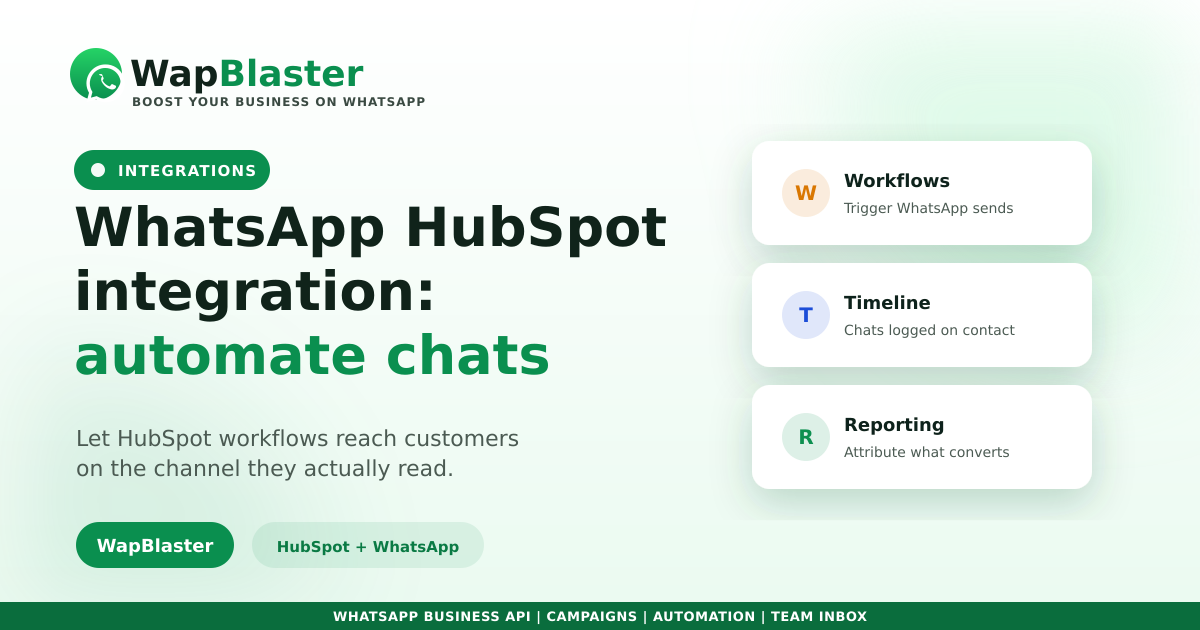
HubSpot is excellent at orchestrating customer journeys, but most of those journeys end in an email that never gets opened. Routing them through WhatsApp instead changes the economics completely. Here is how a WhatsApp and HubSpot integration works and what to automate first.
Why pair HubSpot with WhatsApp
HubSpot decides who should hear what and when. WhatsApp makes sure they actually see it.
- Workflow-triggered messages on a channel read within minutes.
- Conversations logged on the contact timeline.
- Lifecycle stage and list membership driving the messaging.
- Replies routed to your team instead of a no-reply inbox.
Setting it up
Connect your WhatsApp Business API number, authorise HubSpot, then map properties and decide your triggers.
- Authorise HubSpot and select the objects to sync.
- Map phone number, name and lifecycle stage.
- Point specific workflows at WhatsApp actions.
- Make sure replies land in a shared inbox.
What to automate first
Pick the journeys where speed or read rate is the bottleneck.
- New form submission acknowledged instantly on WhatsApp.
- Meeting and demo reminders to cut no-shows.
- Lifecycle nudges when a contact stalls in a stage.
- Onboarding sequences after a deal closes.
Keep attribution intact
The reason to run this inside HubSpot is reporting. Use unique tracked links per workflow so WhatsApp gets credit for what it influences, following our attribution guide, then compare against cost to get true return. Business-initiated messages still need approved templates.
Frequently asked questions
Can HubSpot send WhatsApp messages?
Yes, once you connect an official WhatsApp Business API number. HubSpot workflows can then trigger WhatsApp messages based on form submissions, lifecycle stage changes, list membership or deal events, using approved templates for business-initiated sends.
Do WhatsApp conversations appear in HubSpot?
With a proper integration, yes. Chats are logged on the contact timeline alongside emails and calls, so your team sees the full history and reporting reflects WhatsApp activity rather than treating it as a separate silo.
What should I automate first in HubSpot and WhatsApp?
Start where speed or read rate is the bottleneck: instant acknowledgement of new form submissions, meeting and demo reminders to reduce no-shows, nudges for contacts stalled in a lifecycle stage, and post-sale onboarding sequences.
How do I measure WhatsApp performance in HubSpot?
Use unique tracked links per workflow so conversions are attributed to the right message, record outcomes against the contact, then compare revenue influenced against your messaging and platform cost to calculate real return on spend.
Put your workflows on WhatsApp. Explore WapBlaster or start free.