

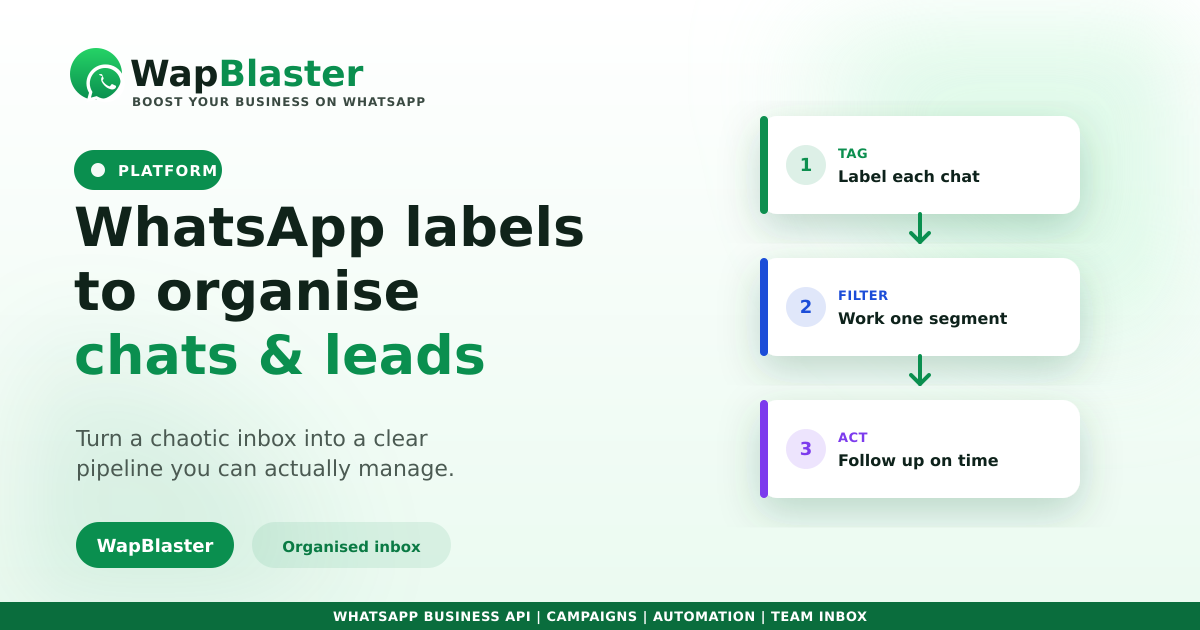
Once you handle more than a handful of chats, your WhatsApp inbox becomes a blur. Labels fix that: a simple colour-and-name tag on each conversation turns the inbox into an organised pipeline you can actually manage. Here is how to use them well.
What labels do
A label is a tag you attach to a chat so you can find, filter and act on it later.
- Mark where a lead is: new, qualified, quoted, won, lost.
- Group customers by interest, product or location.
- Flag priority or follow-up-needed conversations.
- Filter the inbox to work one segment at a time.
Build a label system that scales
Keep it simple and consistent so the whole team uses it the same way.
- Create a short, clear set of pipeline-stage labels.
- Add a few topic or product labels, not dozens.
- Agree naming so everyone tags the same way in the shared inbox.
- Review and prune labels that no one uses.
Turn labels into action
Labels are most powerful when they drive the next step. Filter by a label to send a relevant broadcast, or trigger follow-up based on where a lead sits, which pairs naturally with segmentation. Automation can even apply labels as a chatbot qualifies a lead.
Keep the pipeline clean
An organised inbox is only useful if it reflects reality. Update labels as conversations move, and sync them to your CRM so your pipeline view and your WhatsApp inbox tell the same story. That is how fast teams never lose a lead.
Frequently asked questions
What are WhatsApp labels used for?
Labels tag conversations so you can find, filter and act on them. Businesses use them to track where a lead is in the pipeline, group customers by interest or product, and flag chats that need follow-up.
How many labels should I create?
Keep it lean: a short set of pipeline-stage labels plus a few topic or product labels. Too many labels become confusing and get used inconsistently, which defeats the purpose. Prune ones no one uses.
Can labels be applied automatically?
Yes. With automation, a chatbot can apply a label as it qualifies a lead, and labels can sync to your CRM. That keeps the inbox organised without manual tagging on every chat.
How do labels help conversions?
They let you filter the inbox by segment and send relevant, timely follow-ups or broadcasts to the right group, instead of treating every chat the same. Organised pipelines convert better than chaotic inboxes.
Turn your inbox into a pipeline. Explore WapBlaster inbox or start free.