

Those little ticks next to a WhatsApp message carry a lot of information. Understanding sent, delivered and read statuses helps you diagnose delivery problems, read your campaign reports correctly, and know when something is genuinely wrong versus simply waiting.
The three delivery statuses
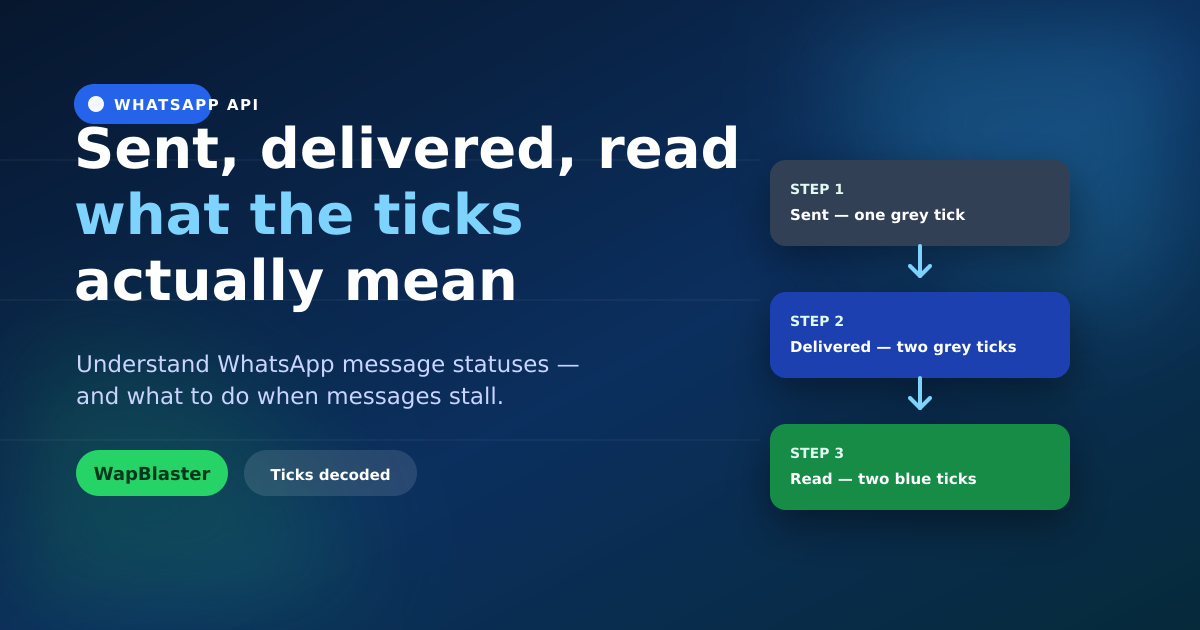
- Sent (one grey tick): the message left the platform and reached WhatsApp's servers.
- Delivered (two grey ticks): it arrived on the recipient's device.
- Read (two blue ticks): the recipient opened the chat and saw it (when read receipts are on).
Why messages get stuck on "sent"
If a message shows only one tick for a long time, it has not reached the device yet. Common reasons include the recipient's phone being off or offline, the number not being on WhatsApp, an invalid number format, or the person having blocked your business. A whole campaign stuck on "sent" usually points to a data problem — bad numbers or missing country codes — rather than a device issue.
Why "delivered" but not "read"
Delivered-but-unread simply means the message arrived but has not been opened. It can also mean the recipient has read receipts turned off, in which case you may never see blue ticks even though they read it. Judge these messages by replies and clicks, not by the read tick alone.
How to improve delivery rates
- Keep your contact list clean: valid numbers with correct country codes.
- Only message opted-in people who expect to hear from you.
- Protect your number's quality rating by sending relevant content.
- Remove hard-bouncing numbers instead of retrying them endlessly.
How to improve read and reply rates
Delivery gets the message there; relevance gets it read. Personalise with the customer's name and context, send at sensible times, lead with the value in the first line, and invite a reply. A message worth opening earns the blue ticks.
Reading your WapBlaster reports
In your campaign reports, compare sent, delivered and read counts. A gap between sent and delivered signals list quality issues; a gap between delivered and read signals content or timing issues. Fix the stage that is actually leaking.
Frequently asked questions
What does one grey tick mean on WhatsApp?
One grey tick means the message was sent to WhatsApp's servers but not yet delivered to the recipient's device — often because the phone is off, offline, or the number cannot receive your message.
Why is my message delivered but not read?
The message reached the device but has not been opened, or the recipient has read receipts disabled. Use replies and link clicks to gauge engagement when read status is unavailable.
How do I fix a campaign stuck on "sent"?
Check your list for invalid numbers and missing country codes, confirm recipients are on WhatsApp and opted in, and make sure your number's quality is healthy. Bad data is the usual cause.
Can I see read receipts if the customer turned them off?
No. If a recipient disables read receipts, you will not see blue ticks even after they read the message. Rely on replies and click-throughs to measure engagement.
Get more messages delivered and read. Learn about the WhatsApp Business API or start with WapBlaster.