

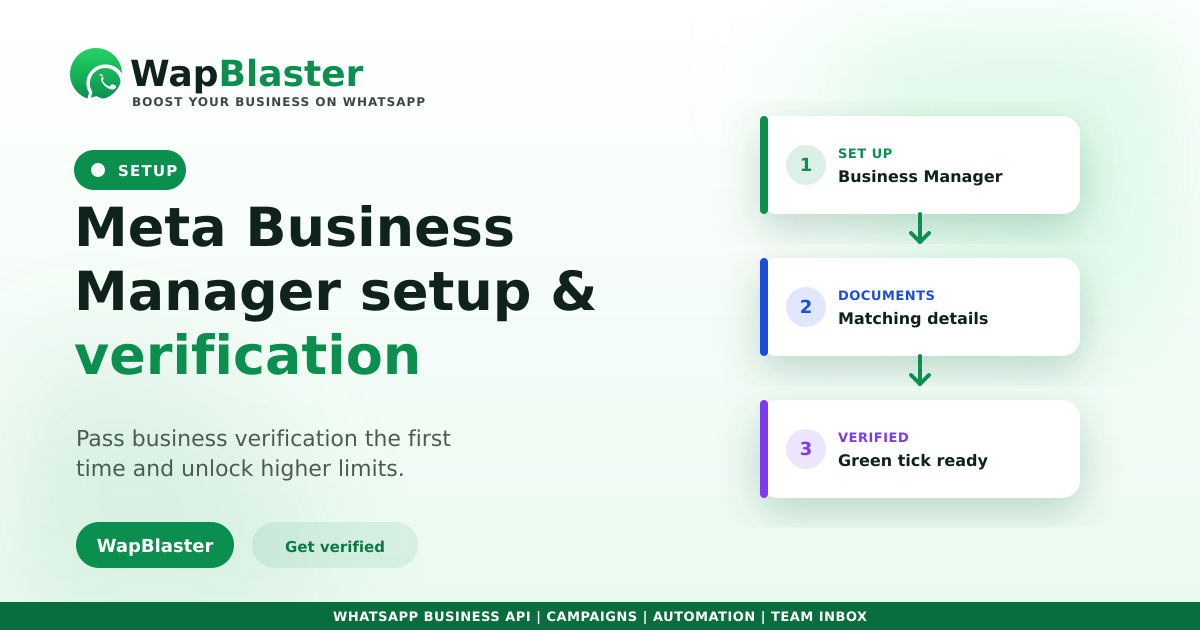
Most delays in getting the WhatsApp Business API live are not technical, they are verification. Meta needs to confirm your business is real before you unlock higher limits and the green tick. Get the Business Manager setup right the first time and the rest moves quickly. Here is how.
Set up Meta Business Manager first
This is the account that owns your WhatsApp assets, so it must be in your business name.
- Create a Business Manager with your legal business name and details.
- Add your website, business email and a working phone number.
- Keep names consistent across the account, website and documents.
Prepare your verification documents
Verification compares what you entered against official proof, so mismatches cause rejections.
- A business registration or incorporation certificate.
- A utility bill or bank statement showing the business name and address.
- A website and email on your own domain, not a free email service.
- Exactly matching name, address and phone across every document.
Submit and track
Start verification in Business Manager's Security Centre, submit clean documents, and avoid resubmitting repeatedly, which can slow review. Once verified, you can apply for the green tick and your display name is more likely to be approved.
Why it is worth the effort
Verification unlocks higher messaging limits, improves trust, and is required for the official business badge. It also keeps your number quality and standing healthy as you scale campaigns.
Frequently asked questions
What is Meta Business verification for WhatsApp?
It is Meta confirming your business is legitimate by checking your Business Manager details against official documents. It unlocks higher messaging limits, the green tick application, and greater trust for your account.
Which documents do I need?
Typically a business registration certificate plus a utility bill or bank statement showing your business name and address, along with a website and email on your own domain. The details must match exactly across all of them.
Why do verifications get rejected?
Almost always because of mismatches: a slightly different business name, an old address, or a free email instead of a domain email. Fix the inconsistency and resubmit clean documents.
How long does verification take?
It varies from a day or two to a couple of weeks depending on document quality and review load. Submitting consistent, legible documents the first time is the fastest route.
Get verified and live faster. Explore WapBlaster API or start free.