

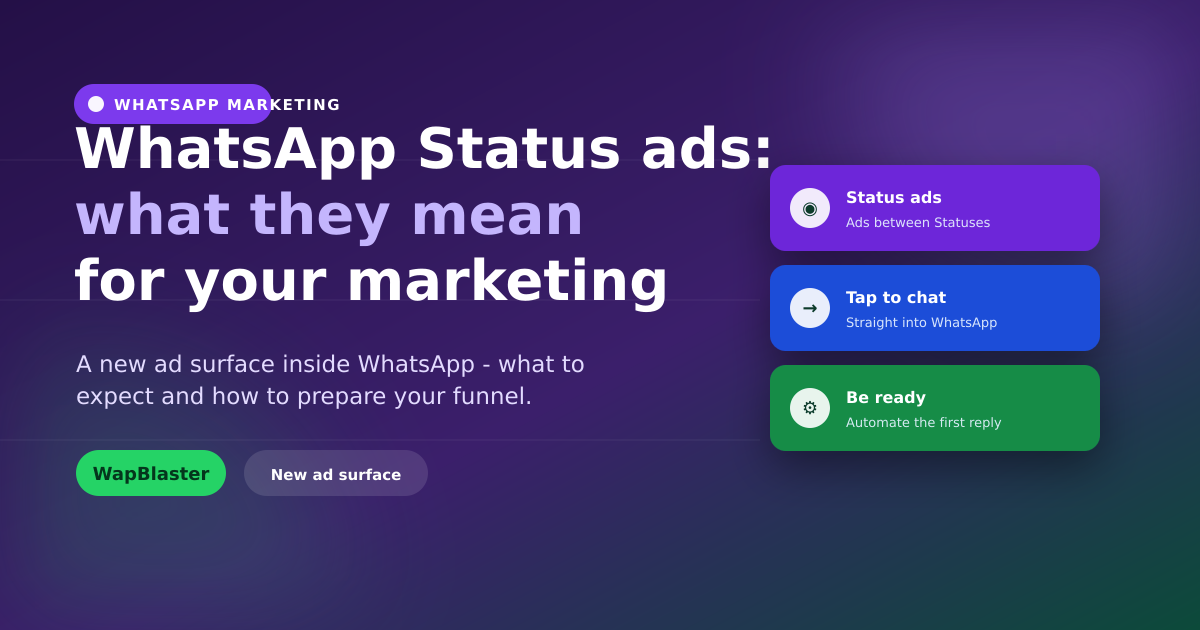
Meta has begun bringing ads into WhatsApp through the Updates tab, including ads in Status. For businesses, this is a significant new surface: advertising inside the app where your customers already spend time. This guide explains what WhatsApp Status ads mean for your marketing and how to prepare so you are ready to benefit.
What WhatsApp Status ads are
Status ads appear between the Status updates people view in the Updates tab, similar to Stories ads on Instagram. They are designed to drive interested users into a WhatsApp conversation with your business.
- Placed in the Updates tab alongside Status content.
- Built to send taps straight into a chat, not a website.
- Part of Meta's wider move to monetise WhatsApp.
Why this matters for marketers
The power of an ad that opens a WhatsApp chat is that it starts a conversation, not just a click. You capture a lead you can then nurture, qualify and convert, all in the channel with the highest engagement.
Prepare your funnel now
The businesses that win will be those ready to handle the conversations these ads create.
- Automate the first reply with a chatbot so no lead waits.
- Qualify and route serious enquiries to your team inbox.
- Capture opt-in so you can follow up beyond the first chat.
How it fits with click-to-WhatsApp ads
Status ads extend the same conversational advertising model as existing click-to-WhatsApp ads. If you already run those, you are well positioned; if not, now is the time to build the conversation flows that turn ad taps into customers.
Get ready, not left behind
New ad surfaces reward early movers. Build your automated response, qualification and follow-up now so that when you run Status ads, every tap becomes a tracked, nurtured conversation rather than a missed opportunity.
Frequently asked questions
What are WhatsApp Status ads?
They are ads that appear between Status updates in WhatsApp's Updates tab, similar to Stories ads. They are designed to send interested users straight into a conversation with your business rather than to a website.
How are Status ads different from regular social ads?
Instead of driving a click to a landing page, they open a WhatsApp chat, starting a conversation you can nurture and convert. That makes them conversational, high-engagement, and ideal for capturing leads you can follow up with.
How do I prepare for WhatsApp Status ads?
Set up an automated first reply with a chatbot, a way to qualify and route enquiries to your team inbox, and opt-in capture so you can follow up. Being ready to handle the conversations is what turns ad taps into customers.
Do Status ads replace click-to-WhatsApp ads?
No, they extend the same conversational advertising model to a new placement. If you already run click-to-WhatsApp ads you are well positioned; the same conversation flows and automation apply to Status ads.
Be ready for every tap. Build your flows with WapBlaster's chatbot or start free.