

WhatsApp feels instant, so customers expect quick replies, and a slow one stands out more than it would in email. If you run support on WhatsApp, you need clear service targets and a way to measure them. Here is how to set SLAs and first response times that are ambitious but achievable, and the setup that lets you hit them.
The metrics that matter
A few numbers tell you whether your WhatsApp support is working.
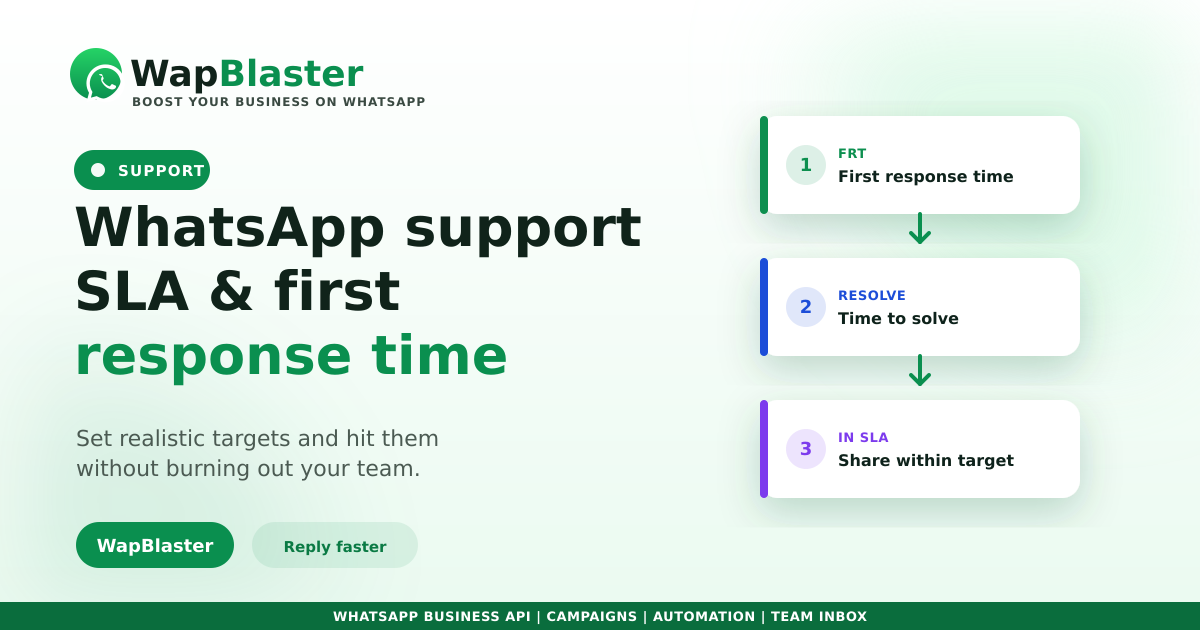
- First response time (FRT): how long until a customer gets a first human or meaningful reply.
- Resolution time: how long until the issue is actually solved.
- Within-SLA rate: the share of chats answered inside your target.
Set SLAs you can keep
An SLA you miss constantly is worse than none. Set targets against your real staffing and hours.
- Define separate targets for business hours and off-hours.
- Use an auto-reply to set expectations instantly when a chat opens.
- Let AI or a chatbot handle first response so no one waits, then hand to a human.
- Prioritise by urgency rather than treating every chat identically.
Hit the target with the right setup
Speed comes from structure, not heroics. A shared inbox with routing stops chats sitting unseen, canned replies speed the common answers, and a chatbot deflects routine questions so agents focus on real issues. Our 24/7 helpdesk guide goes deeper on the build.
Review and adjust
Track FRT and within-SLA rate weekly. If you are missing targets at certain hours, that is a staffing or automation signal, not a reason to blame the team. Tie the data back to your CRM so you can see trends by volume, time and issue type.
Frequently asked questions
What is a good first response time on WhatsApp?
Faster than email, because the channel feels instant. Many teams aim for minutes during business hours. The right target depends on your staffing and hours, so set one you can consistently meet rather than an aspirational number you miss.
How do I measure WhatsApp support SLAs?
Track first response time, resolution time, and the share of chats answered within your target. Review them weekly, split by business and off-hours, and tie them to your CRM to spot patterns by volume and issue type.
How can I respond faster without more staff?
Use an auto-reply to set expectations instantly, a chatbot or AI for first response and routine questions, a shared inbox with routing so nothing sits unseen, and canned replies for common answers.
Should every chat have the same SLA?
No. Prioritise by urgency and set different targets for business hours and off-hours. Treating a routine query and an urgent problem identically wastes effort and frustrates the customers who need speed most.
Hit your response targets. Explore WapBlaster inbox or start free.