

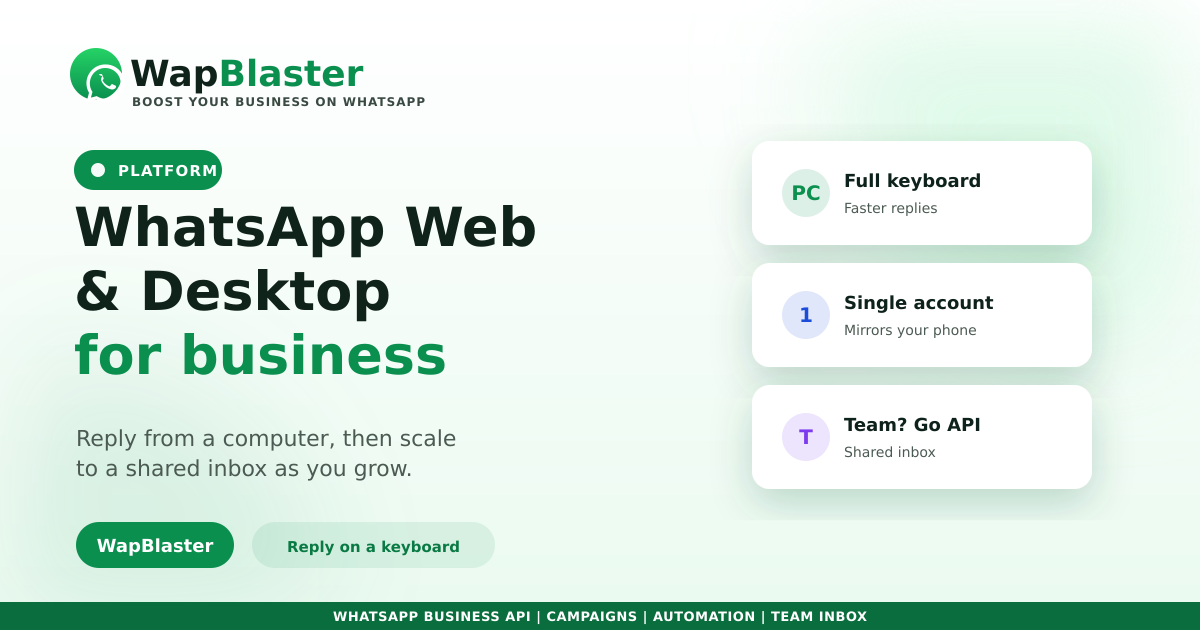
Typing long replies on a phone slows any team down. WhatsApp Web and the Desktop app let you handle chats from a computer with a full keyboard, which is faster and less error-prone. For a small business, that alone is a meaningful upgrade. Here is how to use them well, and when to graduate to something sturdier.
Why a computer beats a phone for replies
The gains are immediate once chats move to a keyboard and bigger screen.
- Faster typing and fewer mistakes on long answers.
- Easy copy-paste of details, links and saved replies.
- Quick file and image sharing from your computer.
- Less context-switching while you work on other tasks.
The limits for a growing team
WhatsApp Web and Desktop mirror a single account, so they hit a ceiling fast when more than one person needs to help customers.
- No real way for several agents to share one number cleanly.
- No chat assignment, ownership or internal notes.
- No labels-driven pipeline, automation or reporting.
- Hard to know who replied to whom, or who dropped a chat.
When to move to a shared inbox
Once two or more people answer customers, a shared team inbox on the WhatsApp Business API solves what Web and Desktop cannot: assigned ownership, internal notes, saved replies, automation and reporting, all on one number. Replies get faster, which as our response-time guide shows, directly lifts conversion.
Use both sensibly
A solo owner can run perfectly well on WhatsApp Web. As you add people and volume, keep the desktop habit but move the actual customer operation onto the API with a shared inbox and a connected CRM so nothing is lost.
Frequently asked questions
What is the difference between WhatsApp Web and Desktop?
WhatsApp Web runs in a browser, while Desktop is an installed app for Windows or Mac. Both mirror the chats on your phone so you can reply from a computer with a full keyboard. Their features are essentially the same.
Can multiple agents use WhatsApp Web on one number?
Not cleanly. Web and Desktop mirror a single account with no chat assignment, ownership or notes. For several agents on one number, you need a shared team inbox on the WhatsApp Business API.
Is WhatsApp Web enough for my business?
For a solo owner with modest volume, often yes. Once two or more people handle customers, or you need automation, labels and reporting, a shared inbox on the Business API is the better fit.
Does WhatsApp Web support automation?
No. It is just a mirror of your phone. Automated replies, chatbots, broadcasts and workflows require the WhatsApp Business API, which is where a platform like WapBlaster adds those capabilities.
Reply faster as you grow. Explore the WapBlaster shared inbox or start free.