

Not every integration deserves a development project. Zapier sits between WhatsApp and the thousand-odd tools you already pay for, letting you wire up useful automations in an afternoon. Here is how it works, what to build first, and where it stops being the right tool.
How it works
Every automation is a trigger in one app and an action in another. WhatsApp can sit on either side.
- Something happens in another app, and WhatsApp sends a message.
- A WhatsApp message arrives, and another app records it.
- Multi-step zaps add filters, delays and conditions.
Automations worth building first
Start with the hand-offs where things currently fall through the cracks.
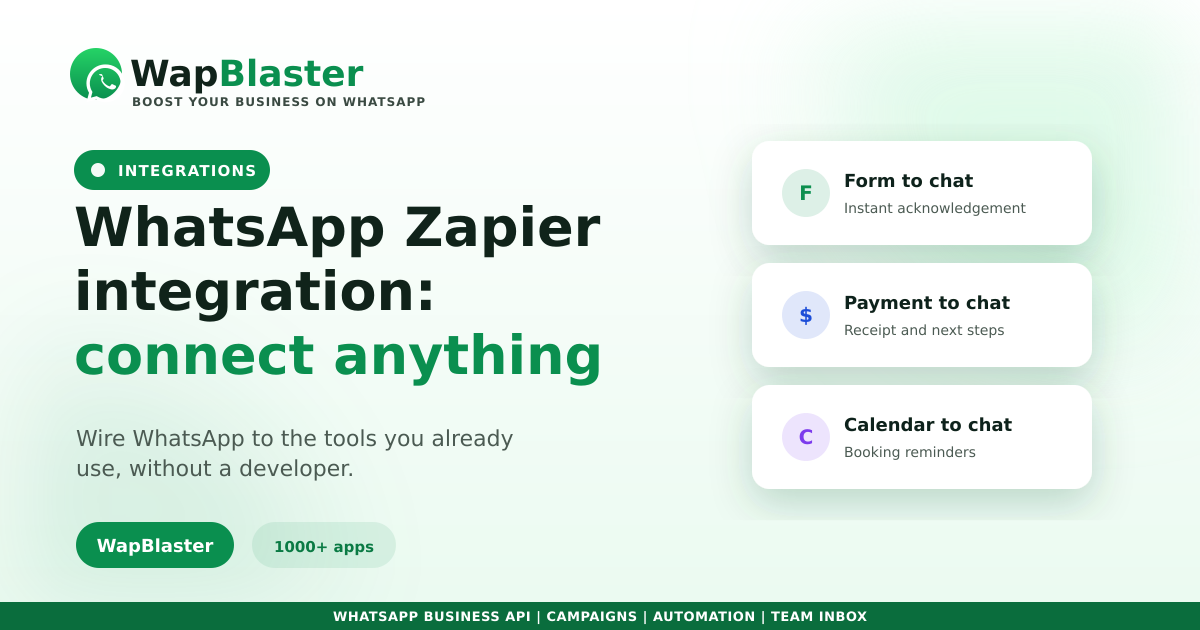
- Form to WhatsApp: a new Typeform or Google Form response triggers an instant reply.
- Payment to WhatsApp: a successful payment sends a receipt and next steps.
- Calendar to WhatsApp: a new booking sends a confirmation and reminder.
- WhatsApp to sheet: every enquiry logged automatically.
Keep zaps maintainable
The usual failure mode is dozens of half-forgotten zaps nobody owns.
- Name every zap for what it does, not what app it uses.
- Use filters so messages only fire when they should.
- Check error notifications; silent failures are the real risk.
When to graduate from Zapier
Zapier is ideal for connecting edges, not for running your core messaging. Once you need segmentation, templates at scale, or proper analytics, build the flows natively with automation workflows and keep Zapier for the long tail. Outbound messages still require approved templates.
Frequently asked questions
Does WhatsApp work with Zapier?
Yes, through a WhatsApp Business API platform that offers Zapier triggers and actions. Another app's event can send a WhatsApp message, or an incoming WhatsApp message can create records in other tools, with multi-step zaps adding filters and conditions.
What are the best WhatsApp Zapier automations?
Instant replies to new form submissions, receipts and next steps after a successful payment, booking confirmations and reminders from your calendar, and logging every WhatsApp enquiry into a sheet or CRM automatically.
What are the limits of using Zapier for WhatsApp?
It is excellent for connecting edge tools but not for running core messaging. Once you need segmentation, large-scale template management or proper analytics, build those flows natively and keep Zapier for the long tail of smaller integrations.
How do I stop zaps from silently breaking?
Name each zap by what it does, add filters so messages only fire in the right conditions, and actually monitor Zapier's error notifications. Unnoticed failures, rather than wrong automations, cause most of the damage.
Connect WhatsApp to everything. Explore WapBlaster API or start free.