

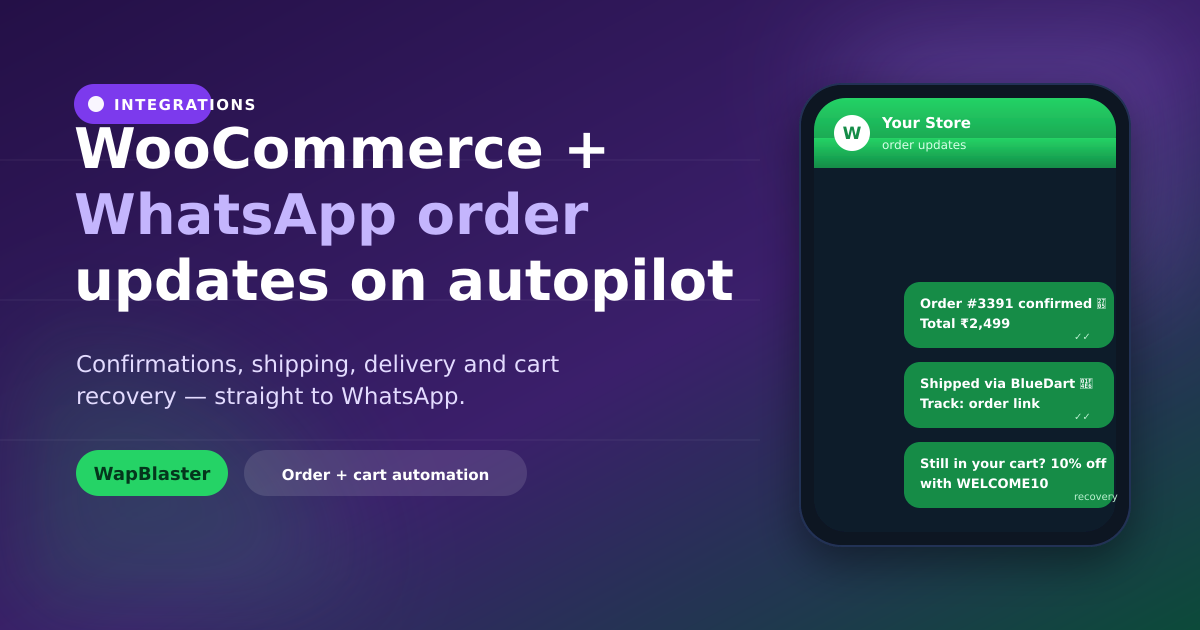
Email order updates get buried; WhatsApp updates get opened. Connecting your WooCommerce store to WapBlaster lets you send order and shipping notifications where customers actually look, and recover carts that would otherwise be lost — all on the official WhatsApp Business API.
What the WooCommerce integration does
Once connected, store events flow to WapBlaster and trigger approved-template WhatsApp messages:
- Order confirmation when a customer checks out.
- Shipping and out-for-delivery updates with tracking.
- Delivery confirmation and post-purchase follow-ups.
- Abandoned cart reminders for unfinished checkouts.
Each event can be enabled independently and mapped to its own template, so you control exactly which messages your store sends.
Connect the store
In WapBlaster, open the WooCommerce integration settings, connect your store, and enable the events you want. Once linked, notifications send automatically from your verified business number. If you are also on Shopify, the same idea applies — see our Shopify WhatsApp integration guide.
Write order templates that help
Order messages work best when they carry the details a customer wants: order number, items, total and a tracking or order-status link. Keep them factual and get them approved as Utility templates. A clear confirmation like "Order #1042 confirmed — track it here" reassures customers and cuts "where is my order?" tickets.
Recover abandoned carts
Most carts are abandoned before payment. A short, well-timed WhatsApp reminder brings shoppers back far more effectively than email. Send one gentle nudge while intent is fresh, then at most one follow-up with a modest incentive. Our abandoned cart recovery guide covers timing and message design in detail.
Stay compliant
Transactional updates are welcomed, but they still follow WhatsApp rules. Collect consent to message on WhatsApp at checkout, keep transactional and promotional content separate, use approved templates, and offer an opt-out. Relevant, expected messages protect your quality rating.
Cut support load and lift repeat sales
Proactive updates reduce inbound questions, and post-purchase messages ("How was your order? Reorder in one tap") drive repeat business. Pair notifications with a shared team inbox so replies get answered quickly.
Frequently asked questions
Can WapBlaster send WooCommerce order updates on WhatsApp automatically?
Yes. After you connect your WooCommerce store, WapBlaster can automatically send approved-template WhatsApp messages for order confirmation, shipping, delivery and more.
Does the WooCommerce integration support abandoned cart recovery?
Yes. When a checkout is started but not completed, WapBlaster can send a timely WhatsApp reminder with a link back to complete the purchase, following WhatsApp's template and consent rules.
Do I need coding to connect WooCommerce?
No. You connect the store from WapBlaster's WooCommerce settings and enable the events you want; no custom development is required for the standard notifications.
Is WhatsApp order messaging allowed for stores?
Yes, when you use approved templates, message customers who consented at checkout, keep content relevant to their order, and provide an opt-out in line with WhatsApp policy.
Put your WooCommerce updates on WhatsApp. Explore the WhatsApp Business API or start with WapBlaster.