

Letting customers pay inside the chat removes friction and helps close sales faster. This guide shows how to connect a payment method in WapBlaster and share a secure payment step within a WhatsApp conversation.
Step 1: Open the payments settings
Go to the payments area and choose the payment method you want to connect. WapBlaster supports collecting payments within the chat experience.
Step 2: Connect your payment provider
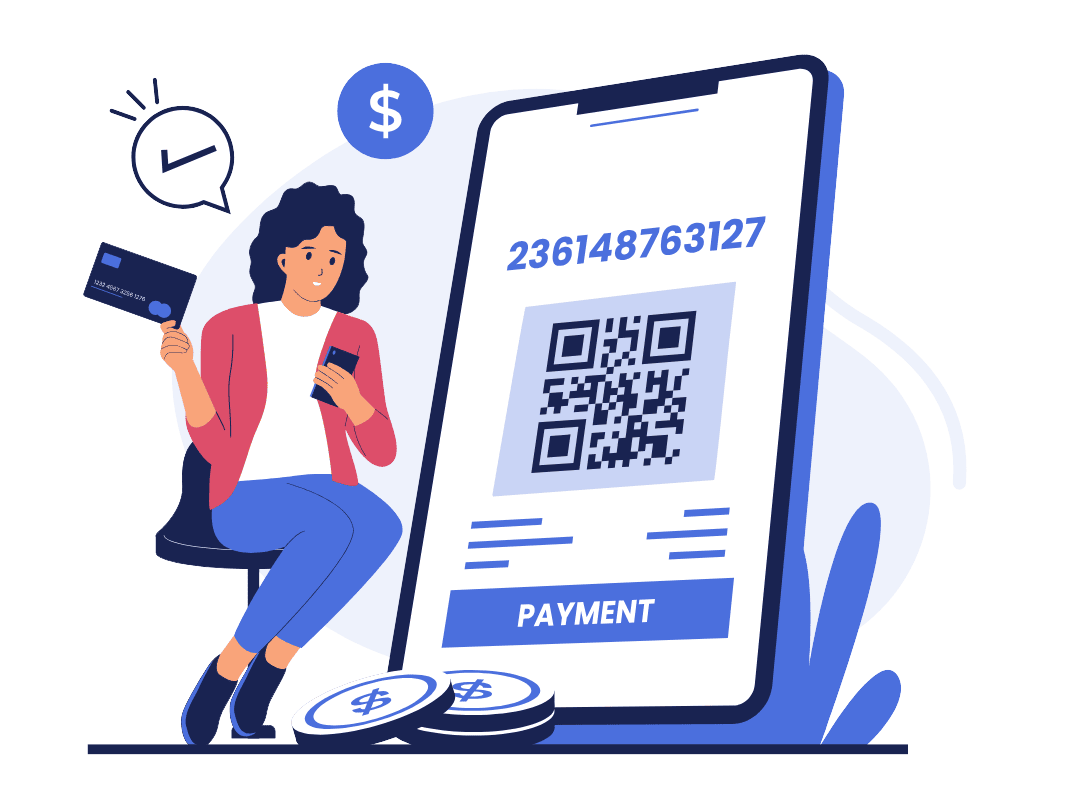
Link your payment gateway and confirm the connection so payment requests can be generated securely.
Step 3: Send a payment request in chat
From a conversation, share a secure payment step so the customer can complete checkout without leaving WhatsApp.
Step 4: Confirm and record the payment
Once paid, confirm the order and keep the record with the conversation so your team has full context.
Step 5: Keep it secure
Only use trusted, verified payment destinations and never ask for card details or codes in plain chat messages.
Helpful next reads
WhatsApp payment reminders guide, WhatsApp catalog and commerce guide, WhatsApp for financial services.
Frequently asked questions
Can customers pay inside a WhatsApp chat?
Yes. With a connected payment provider, WapBlaster lets you share a secure payment step in the conversation so customers can pay without leaving WhatsApp.
Is it safe to collect payments over WhatsApp?
It is when you use trusted, verified payment destinations and never request sensitive details like card numbers or codes directly in chat messages.
What happens after a customer pays?
You confirm the order and keep the payment record with the conversation, so your team retains full context for support and fulfilment.