

Customers expect quick answers at any hour. WapBlaster’s AI bot can provide helpful, round-the-clock support and bring in a human when needed. This guide shows how to set it up so after-hours messages never go unanswered.
Step 1: Turn on the AI support bot
Enable the AI bot so customer questions get an instant, useful response even when your team is offline.
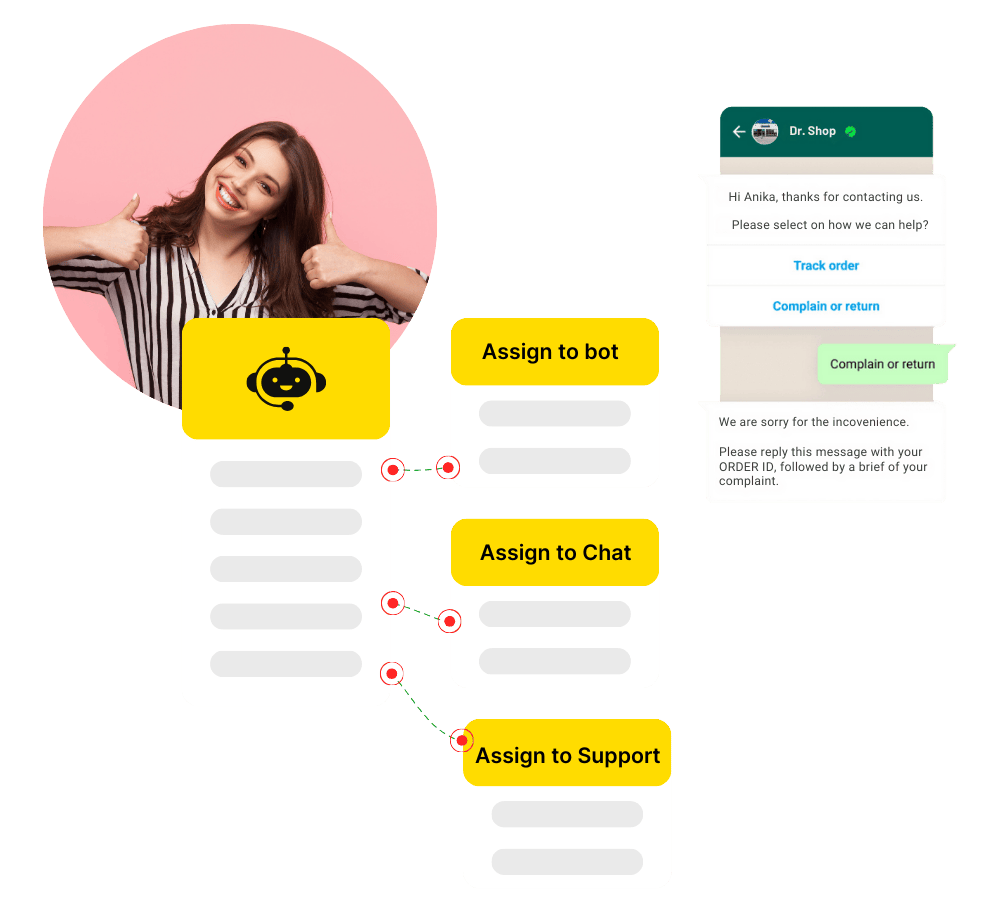
Step 2: Set its behaviour and scope
Configure the general settings so the bot answers within its knowledge, stays on-brand and knows when to escalate.
Step 3: Cover after-hours automatically
Let the bot handle common questions overnight and at weekends, so customers are never left waiting until morning.
Step 4: Escalate complex issues
Route anything the bot cannot resolve to a human agent, with the conversation context preserved for a smooth handover.
Step 5: Improve from real conversations
Review the questions the bot handles and where it escalates, then refine its answers so it resolves more over time.
Helpful next reads
How to set up the AI chatbot, WhatsApp customer support guide, WhatsApp chatbot feature page.
Frequently asked questions
Can WapBlaster provide 24/7 WhatsApp support?
Yes. The AI bot can answer common customer questions instantly at any hour and escalate complex issues to a human agent when your team is available.
What happens when the AI bot cannot answer?
It routes the conversation to a human agent with the context preserved, so the customer gets a smooth handover rather than starting over.
How does the AI support bot improve over time?
By reviewing the questions it handles and where it escalates, you can refine its answers so it resolves more issues automatically over time.