

When a campaign drives replies, speed matters. WapBlaster’s AI assistant can respond instantly, answer common questions and qualify interest so your team focuses on hot leads. This guide shows how to set it up for marketing.
Step 1: Enable the AI assistant
Turn on the AI assistant so incoming marketing enquiries get an instant, useful first response instead of waiting for an agent.
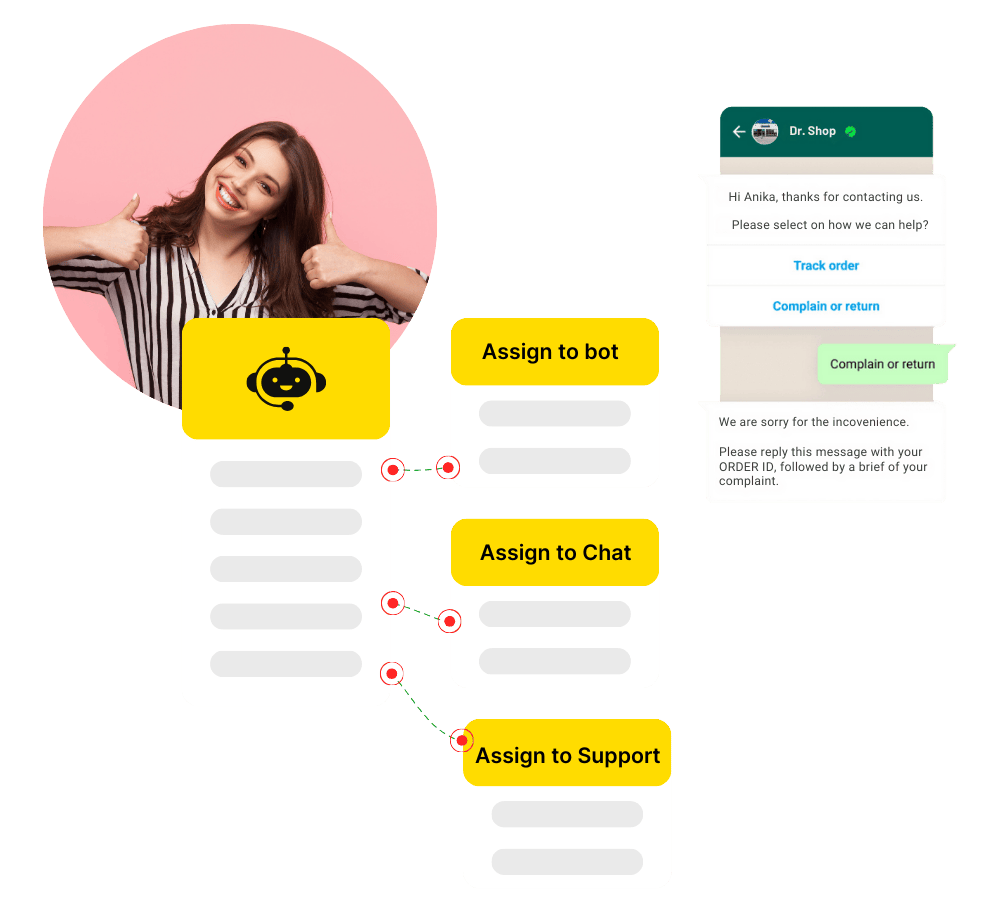
Step 2: Set the reply hours
Configure when the assistant should respond, so campaign replies are handled even outside your team’s working hours.
Step 3: Qualify interest automatically
Use the assistant to ask a couple of qualifying questions, so genuinely interested leads are identified quickly.
Step 4: Hand hot leads to the team
Route qualified, high-intent conversations to a human agent so your team spends time where it matters most.
Step 5: Review and refine
Check the questions customers ask and the leads that convert, then refine the assistant’s answers and routing over time.
Helpful next reads
How to set up the AI chatbot, WhatsApp lead response time guide, WhatsApp chatbot feature page.
Frequently asked questions
Can AI auto-reply to WhatsApp marketing enquiries?
Yes. WapBlaster’s AI assistant can respond instantly to incoming enquiries, answer common questions and qualify interest before handing hot leads to your team.
Will the AI reply outside working hours?
Yes, if you configure its active hours to cover them, so campaign replies still get an instant, useful response when your team is offline.
Does the AI replace my sales team?
No. It handles instant first responses and qualification, then routes high-intent conversations to a human so your team focuses on the best leads.