

Your WhatsApp number and customer relationships belong to you, not your provider. If you are overpaying or underserved, you can move to a better platform, and with a little planning you can do it without disrupting customers. This guide walks through switching WhatsApp API providers cleanly.
Confirm you can actually leave
Before anything else, verify your current provider does not trap you.
- You can migrate your number to another provider.
- You can export contacts and conversation history.
- Your templates can be recreated or exported.
If a provider makes leaving hard, that is exactly why value-focused platforms make it easy - a point we stress in our provider-choosing guide.
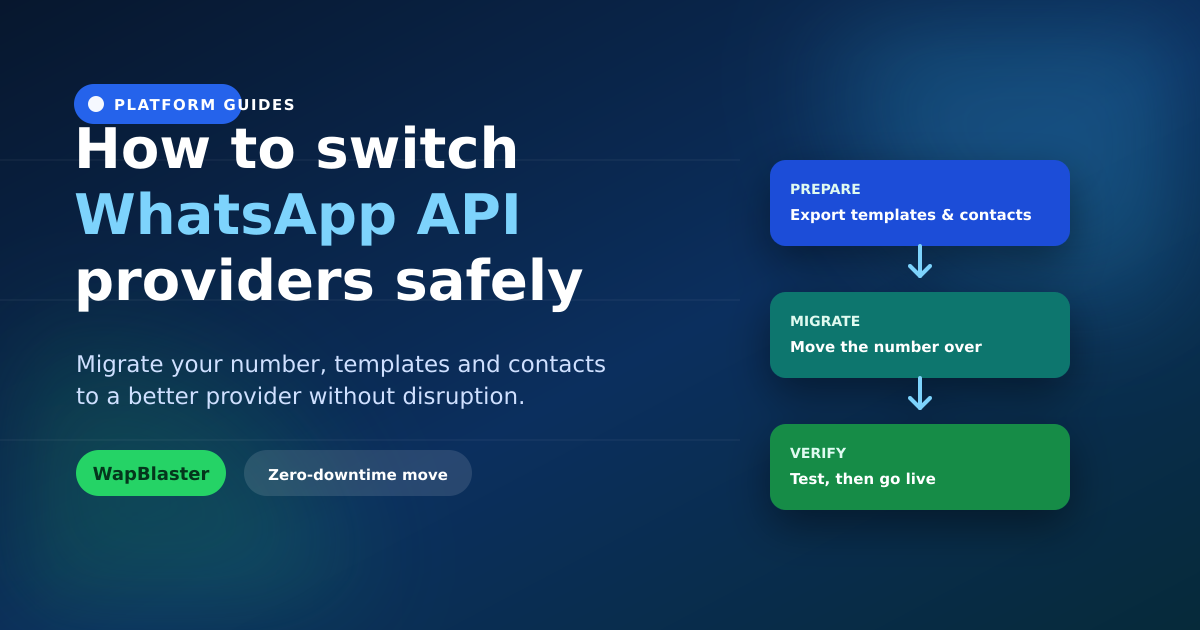
Prepare before you move
Preparation is what prevents downtime.
- Export your data: contacts, opt-in records and chat history.
- Document templates: so they can be resubmitted on the new platform.
- Rebuild automations: map your flows and integrations in advance.
- Pick a low-traffic window: to minimise any brief transition impact.
Migrate the number
Moving a number between providers follows Meta's migration process and is designed to preserve your number and, typically, your display name and quality rating. Our guide on migrating a number without disrupting customers covers the mechanics in detail.
Verify, then go live
After migrating, test thoroughly before announcing anything: send a template, confirm a live reply, check your automations and integrations, and watch delivery. Only route full traffic once everything passes. A guided embedded signup speeds up connecting on the new platform.
Make the switch worth it
Switch to a provider that genuinely improves cost or capability. Compare options with our best providers and cheapest providers rankings so the move pays off.
Frequently asked questions
Can I switch WhatsApp API providers without losing my number?
Yes. Your number belongs to you and can be migrated between providers using Meta's migration process, which is designed to preserve the number and typically your display name and quality rating. Confirm your current provider supports migration first.
Will switching providers cause downtime?
With preparation, downtime is minimal. Export data, document templates, rebuild automations in advance, and migrate during a low-traffic window. Test fully on the new platform before routing all traffic.
Do I lose my message templates when I switch?
Templates are tied to your WhatsApp account, but it is wise to document them so they can be recreated or resubmitted on the new platform. Plan for a short approval period for any templates that need resubmission.
How do I know if switching is worth it?
Compare your current cost and capability against better-value providers. If you are paying a per-conversation markup, missing features, or getting poor support, switching to a transparent, capable provider usually pays for itself quickly.
Move to better value. Explore WapBlaster or talk to us about migrating.