

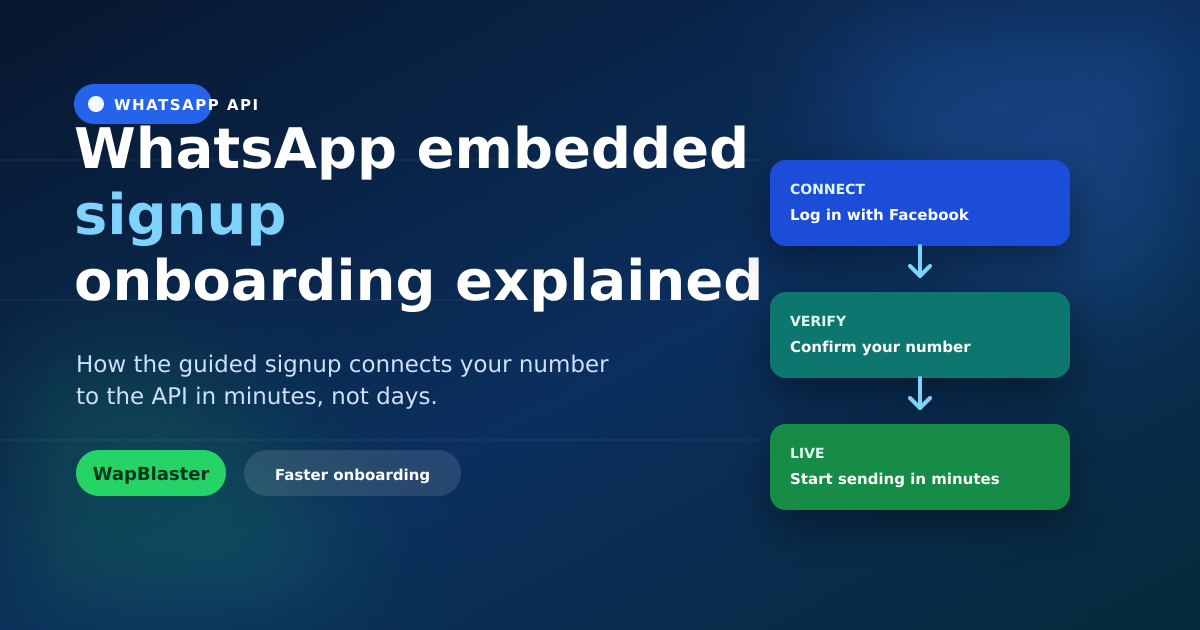
Getting onto the WhatsApp Business API used to mean days of back-and-forth. Embedded signup changed that. It is a guided flow — powered by Meta and surfaced inside your provider's dashboard — that connects your number, business and WhatsApp account in minutes. This guide explains what it is, how it works, and how to breeze through it.
What embedded signup is
Embedded signup is Meta's official onboarding flow that a provider embeds in their platform. Instead of manually creating assets and copying tokens between systems, you log in with Facebook once and the flow wires everything together: your Meta Business account, your WhatsApp Business Account (WABA), and your phone number.
Why it beats the old way
- Faster: minutes instead of days, with far fewer manual steps.
- Fewer errors: no copy-pasting IDs and tokens between dashboards.
- Secure: permissions are granted through Meta's own login, not shared credentials.
- Guided: the flow tells you exactly what is needed at each step.
What happens during the flow
- Connect: you log in with the Facebook account that owns (or will own) your business assets.
- Select or create: pick your Meta Business account and WhatsApp Business Account, or create them inline.
- Add your number: enter the phone number you will use for the API.
- Verify: confirm the number by code, and the connection goes live.
What to prepare beforehand
A little prep makes it seamless.
- A phone number not currently active on the regular WhatsApp or Business app (or be ready to migrate it — see our setup guide).
- Access to a Facebook account with admin rights to your business.
- Your legal business details for verification.
- A display name that follows WhatsApp's guidelines to avoid rejection.
After signup: the first steps
Once connected, you are ready to configure the essentials.
- Submit your first message templates for approval.
- Set up your chatbot and a team inbox.
- Consider Cloud vs on-premises hosting — our comparison helps you decide.
Common snags and fixes
- Number already in use: deregister it from the consumer app first, or migrate it.
- Missing business permissions: ensure you are an admin on the Meta Business account.
- Display name rejected: follow the naming rules and resubmit.
Frequently asked questions
What is WhatsApp embedded signup?
It is Meta's official guided onboarding flow, embedded inside a provider's dashboard, that connects your Meta Business account, WhatsApp Business Account and phone number to the API. You log in with Facebook once and the flow wires everything together in minutes.
How long does embedded signup take?
Usually just a few minutes if your number is available and you have admin access to your business assets. Verification of the number is near-instant. Delays typically come from a number still active on the consumer app or a rejected display name.
Can I use my existing WhatsApp number for the API?
Yes, but it must first be removed from the regular WhatsApp or WhatsApp Business app, since a number can only run on one at a time. You can migrate an existing number to the API — plan for a brief transition to avoid disruption.
What do I need before starting embedded signup?
An eligible phone number, admin access to a Facebook and Meta Business account, your legal business details for verification, and a compliant display name. Having these ready lets the flow complete without interruptions.
Get connected in minutes. Follow the setup guide or start with WapBlaster. Need a hand? Contact us.