

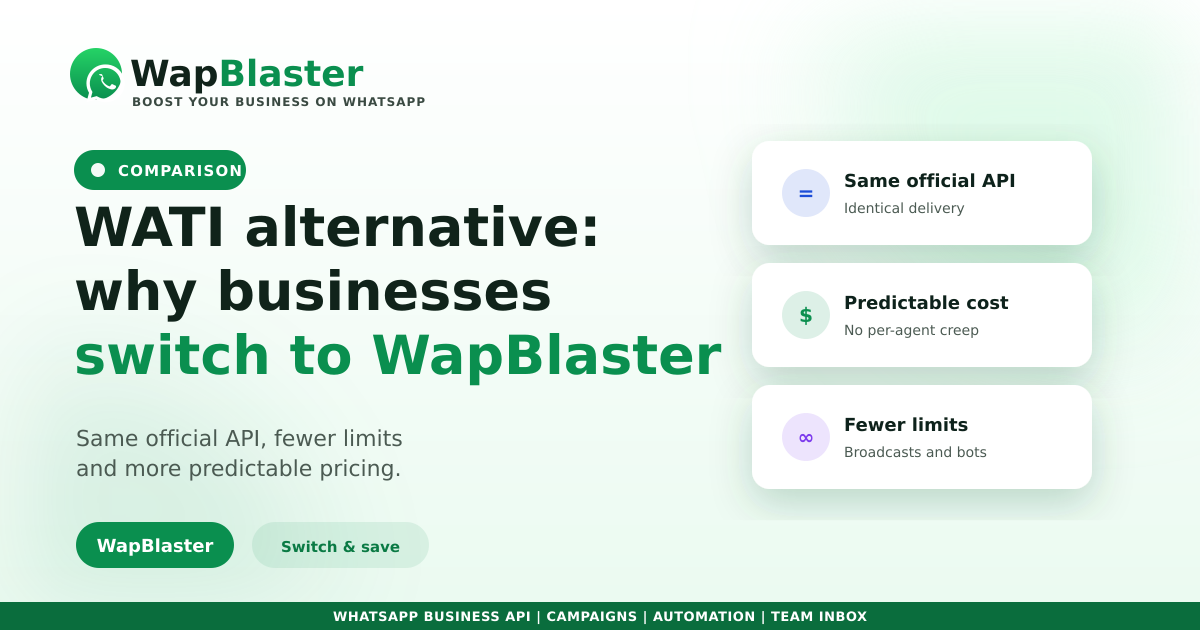
WATI is a well-known WhatsApp Business API platform, but it is not the only option, and it is not the right fit for every team. If per-agent pricing is adding up, or you want broadcasts, automation and a shared inbox without constant add-ons, it is worth comparing alternatives properly. Here is what to look at, and why many businesses move to WapBlaster.
What to compare, not just the price
Every platform sits on top of the same official WhatsApp Business API, so the messaging itself is identical. The difference is the software around it and how you are charged for it.
- Pricing model — per agent, per contact, or a flat platform fee on top of Meta's conversation charges.
- Broadcasting — list size limits, scheduling and audience segmentation.
- Automation — chatbot flows, drip sequences and routing rules.
- Team inbox — how many agents are included before costs climb.
- Support — onboarding, green tick help and response times.
Why teams move to WapBlaster
The common thread is predictable cost and fewer limits as you grow.
- Unlimited broadcasts to opted-in contacts with scheduling built in.
- A visual chatbot and automation without per-flow charges.
- A shared team inbox so several agents work one number.
- Transparent pricing on top of Meta's standard rates, which our pricing models guide explains.
How to run a fair trial
Do not migrate on a sales demo alone. Use a free trial to send a real broadcast, build one automation and let two agents share the inbox for a week. Then compare the all-in monthly cost, not the headline price. Our provider checklist lists the 20 questions worth asking before you sign.
Plan the switch
Migrating is mostly about moving your number, templates and contacts cleanly. Keep your approved templates list handy, confirm your opt-in records stay compliant, and protect your number quality rating during the transition.
Frequently asked questions
Is WapBlaster a good WATI alternative?
For teams that broadcast at scale, want automation without per-flow fees, and need several agents on one number, yes. Both use the same official WhatsApp Business API, so message delivery is identical; the differences are pricing model, included features and support.
Will I lose my WhatsApp number or history when I switch?
You keep your number. Migration moves the number to the new platform and you re-import contacts and re-use approved templates. Plan it during a quiet period and confirm templates are approved before you cut over.
How do I compare the real cost?
Add the platform fee to Meta's conversation charges and account for how agents or contacts are billed. A platform that looks cheaper per agent can cost more once your team grows, so compare the all-in monthly figure.
Can I try before committing?
Yes. Run a free trial, send a real broadcast, build one chatbot flow and test the shared inbox with two agents for a week before deciding.
Compare it yourself. Explore WapBlaster or start free.