

No-shows cost service businesses real money, and most are simply forgotten appointments. A well-timed WhatsApp reminder, read within minutes, dramatically cuts no-shows and makes rescheduling easy. These copy-ready templates work for clinics, salons, consultants and any booking-based business.
Confirmation at booking
- Hi {name}, your appointment is booked for {date} at {time} with {provider}. We will remind you the day before. Need to change it? Just reply here.
Day-before reminder
- Hi {name}, a reminder of your appointment tomorrow, {date} at {time}. Reply CONFIRM to keep it or RESCHEDULE if the time no longer works.
Same-day reminder
- Hi {name}, see you today at {time}. We are at {address}. Reply here if you are running late or need directions.
Timing that works best
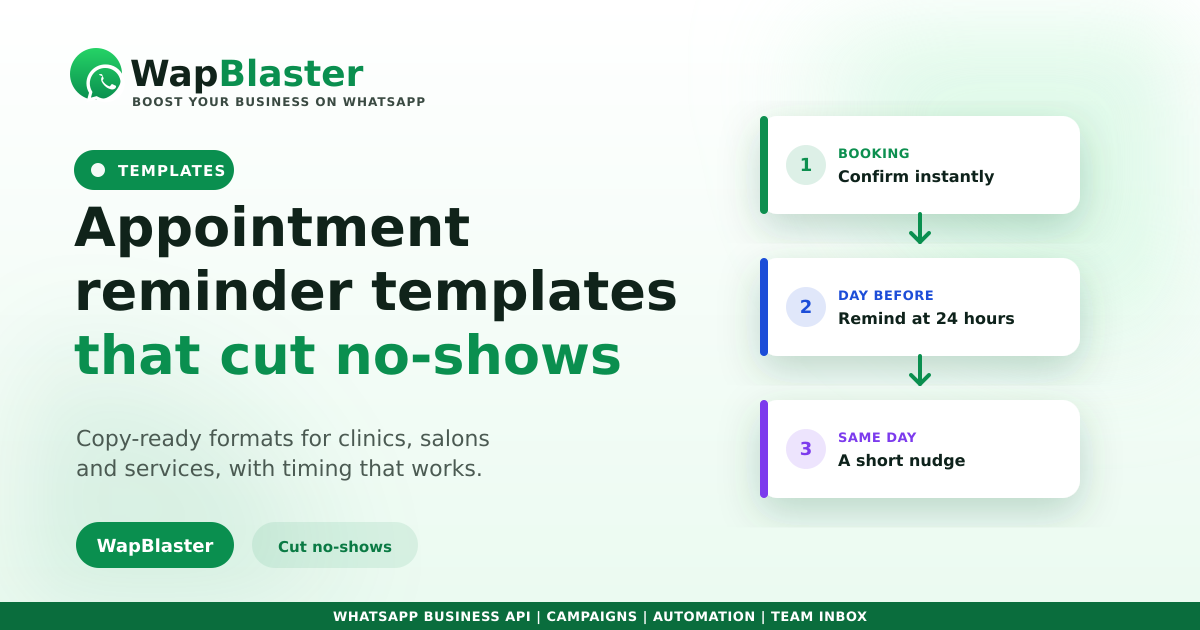
A short sequence beats a single reminder. Confirm at booking, remind the day before, and nudge on the day. Letting people confirm or reschedule in one reply is what actually prevents empty slots.
- Confirm immediately at booking.
- Remind 24 hours before.
- Nudge a few hours before the appointment.
These are template messages with variables, so follow the approval guide and use dynamic fields. Reminders are a classic automation workflow.
Frequently asked questions
How do WhatsApp reminders reduce no-shows?
Most no-shows are forgotten appointments. WhatsApp reminders are read within minutes and let people confirm or reschedule in a single reply, so slots that would have been missed get kept or freed up for someone else.
When should I send appointment reminders?
A short sequence works best: confirm at booking, remind 24 hours before, and send a short nudge a few hours before. This keeps the appointment top of mind without feeling like spam.
Do appointment reminders need approved templates?
Yes. Business-initiated reminders with variables like name, date and time must be submitted and approved as templates. Our approval guide covers the format and how to avoid common rejections.
Can customers reschedule through WhatsApp?
Yes, and they should be able to. Inviting a reply such as RESCHEDULE turns the reminder into a two-way conversation, so people free up slots instead of simply not showing. This is far better for your calendar than a one-way alert.
Cut no-shows automatically. Explore WapBlaster automation or start free.