

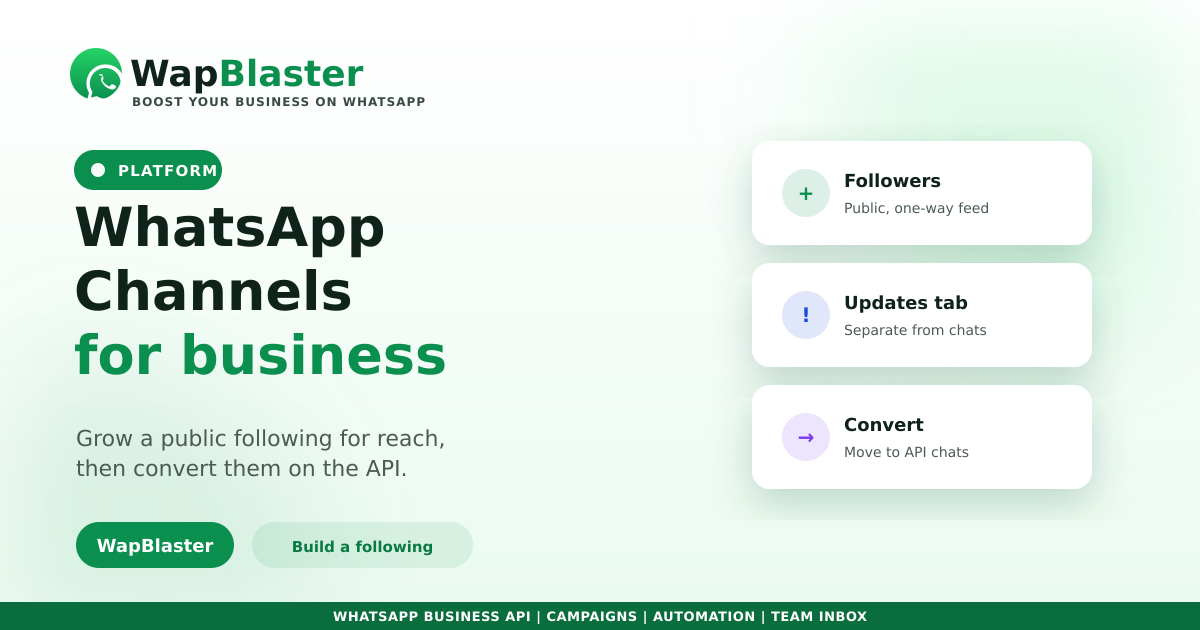
WhatsApp Channels are a one-way broadcast tool: people follow your channel and you post updates they see in a dedicated Updates tab, separate from their personal chats. They are closer to a social feed than to customer messaging. Here is where they fit a business, and where they do not.
What a Channel is
A Channel is a public, followable feed for one-to-many updates, distinct from groups and from opt-in broadcasts.
- Anyone can find and follow your channel; followers stay anonymous to each other.
- You post updates, text, images, video, polls, to all followers.
- It lives in the Updates tab, not in personal chat threads.
- It is one-way: followers do not reply in a conversation.
Channels vs broadcasts vs groups
Each tool does a different job, as our groups vs broadcast vs channels guide explains. A Channel builds a public audience for awareness. An opt-in broadcast on the Business API reaches saved contacts in their personal chat and drives real conversations and sales. Groups are for community discussion.
Where Channels fit
Use a Channel for broad, public updates, announcements, launches, content, where reach and awareness matter more than conversion. It is a top-of-funnel tool.
For anything that needs a reply, a sale, a booking or support, point followers to your Business API number, where a shared inbox, chatbot and CRM turn interest into revenue.
Use both together
The smart play is a funnel: grow a Channel for reach, then convert followers into opt-in contacts you can have real, consented conversations with. Awareness on the Channel, conversion on the API.
Frequently asked questions
What is a WhatsApp Channel?
It is a public, one-way broadcast feed people can follow. You post updates that appear in followers' Updates tab, separate from personal chats. Followers do not reply in a conversation, so it is built for awareness, not customer messaging.
How is a Channel different from a broadcast?
A Channel is public and one-way for building an audience. An opt-in broadcast on the Business API reaches saved contacts in their personal chat and supports real two-way conversations, which convert far better for sales and support.
Should my business use a Channel?
Use one if you want broad, public reach for announcements, launches or content. For sales, bookings and support, rely on the Business API with opt-in broadcasts and a shared inbox. Many businesses use both as a funnel.
Can I sell directly through a Channel?
Not really, since it is one-way with no conversation. Use the Channel to build awareness, then direct followers to your Business API number where a chatbot, shared inbox and catalog can actually convert them.
Build reach, then convert. Explore WapBlaster or start free.