

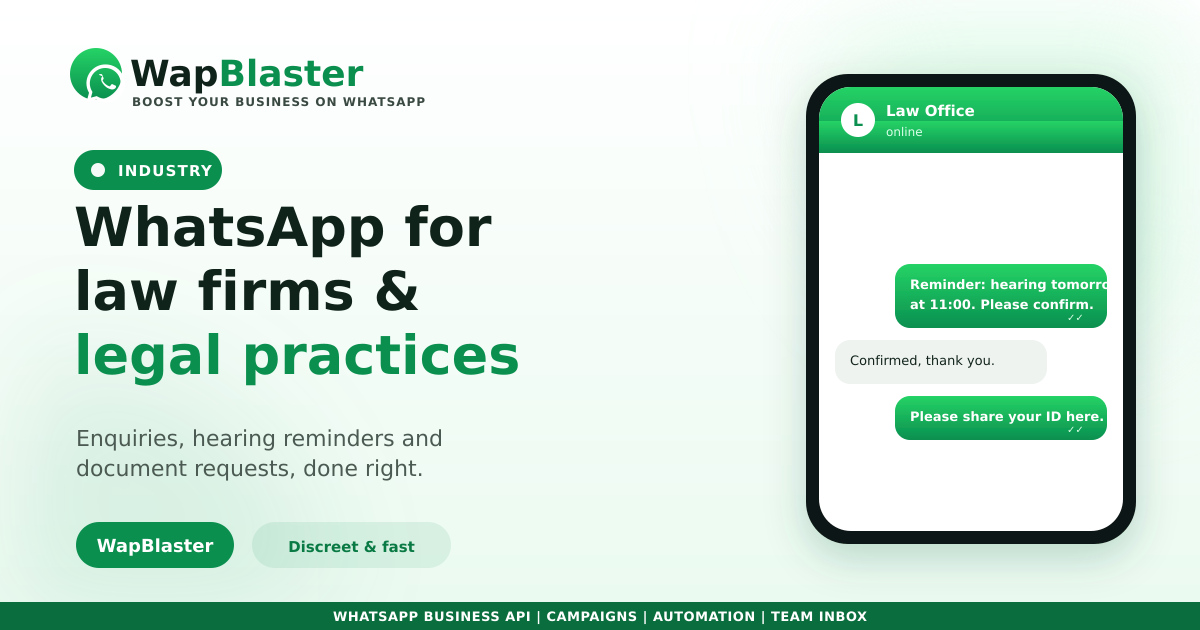
Legal work runs on timely communication, yet calls go unanswered during hearings and email gets ignored. WhatsApp fits how clients already prefer to reach their lawyer, and the official WhatsApp Business API lets a firm handle it professionally and discreetly. Here is how to use it well.
Where WhatsApp helps a practice
- Enquiry handling: capture new matters instantly instead of losing them to voicemail.
- Hearing and deadline reminders: reduce missed dates with timely nudges.
- Document requests: collect IDs and papers in chat, securely.
- Status updates: keep clients informed without long calls.
Automate the intake, keep the judgement human
A simple chatbot can qualify an enquiry, capture the matter type and route it to the right lawyer, while a shared inbox lets paralegals and associates collaborate on one number. Fast first replies matter, as our lead response guide shows, but advice always stays with a qualified person.
Confidentiality and consent come first
Legal communication is sensitive, so handle it carefully.
- Take clear opt-in before messaging, in line with our compliance guide.
- Avoid sensitive case detail in template messages; keep specifics inside the secure conversation.
- Record consent and keep client data access limited to the right people.
Reminders that cut no-shows
Hearing dates, document deadlines and consultation appointments all benefit from approved template reminders. A respectful nudge the day before protects both the client's case and your calendar.
Frequently asked questions
Can law firms use WhatsApp professionally?
Yes. The official WhatsApp Business API supports a verified business profile, a shared inbox for the team, and automated reminders, so a firm can communicate quickly while staying professional and discreet.
Is it confidential enough for legal matters?
WhatsApp messages are encrypted in transit, but good practice is to take consent, keep sensitive case details inside the live conversation rather than in template messages, and limit who on the team can access client chats.
What should a firm automate?
Automate intake qualification, hearing and deadline reminders, and document-collection prompts. Keep all legal advice and judgement with a qualified lawyer, not a bot.
Do clients need to opt in?
Yes. Take clear consent before sending business-initiated messages, and record it. This keeps you compliant and respects the client relationship.
Serve clients faster and discreetly. Explore WapBlaster API or start free.