

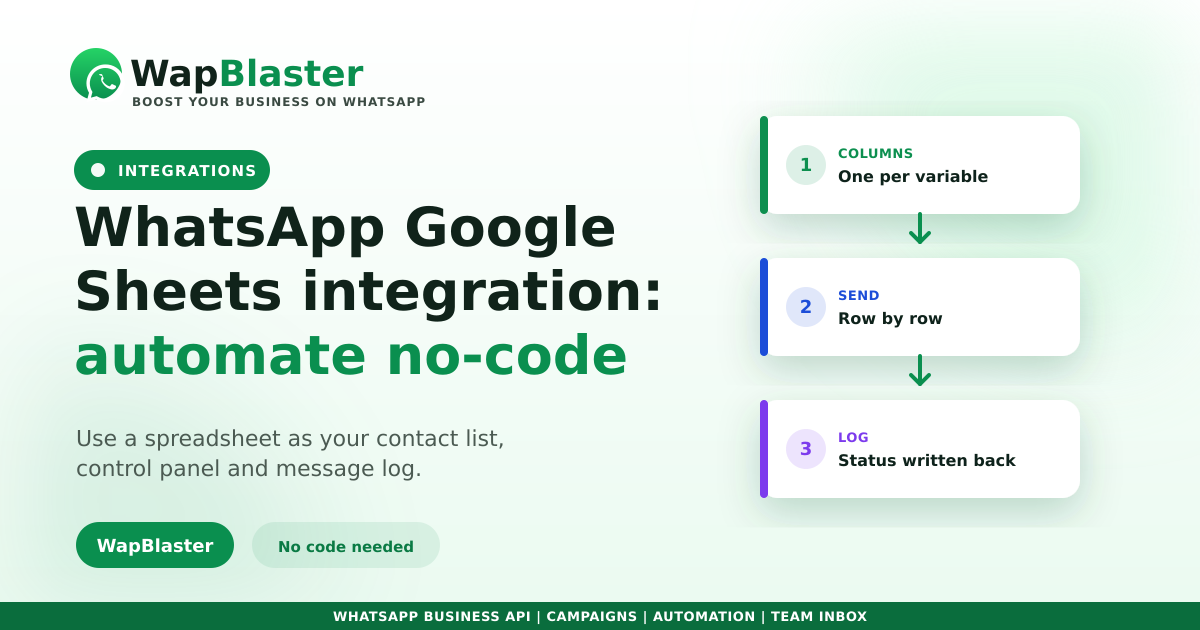
Plenty of businesses run on a spreadsheet, not a CRM, and that is fine. Google Sheets is flexible, shared and familiar, which makes it a surprisingly effective control panel for WhatsApp messaging. Here is how to connect the two and automate without writing code.
What you can do
A sheet becomes both your contact list and your log.
- Send personalised messages to a list of rows.
- Trigger a message when a new row is added.
- Write delivery and reply status back into the sheet.
- Keep a simple, shareable record without a CRM.
How to set it up
You need an official WhatsApp Business API number and a connector. The sheet structure matters more than people expect.
- One column per template variable, named clearly.
- A phone column with consistent country codes.
- A status column for the integration to update.
- An opt-in column so you only message consenting contacts.
Personalise properly
Because each row carries its own values, sheets make dynamic variables easy. Keep the variable names in the sheet identical to those in your approved template, or sends will fail validation.
Know the limits
Spreadsheets are great to start and awkward at scale. Once you need segmentation, journeys or reporting, move to a proper CRM integration. And never treat a sheet as licence to message people who did not opt in, per policy.
Frequently asked questions
Can I send WhatsApp messages from Google Sheets?
Yes. With an official WhatsApp Business API number and a connector, you can send personalised messages to the rows in a sheet, trigger messages when rows are added, and write delivery status back into the sheet automatically.
How should I structure the sheet?
Use one clearly named column per template variable, a phone column with consistent country codes, a status column the integration can update, and an opt-in column so you only message contacts who have genuinely consented.
Is Google Sheets good enough instead of a CRM?
For small teams and simple sends, yes, it is shared, flexible and familiar. Once you need segmentation, multi-step journeys or proper reporting, a CRM integration will serve you far better than a growing spreadsheet.
Why do my sheet-based sends fail validation?
Usually because the variable names or count in the sheet do not match the approved template exactly, or phone numbers lack consistent country codes. Align the sheet columns with the template definition and normalise the phone format.
Automate from a spreadsheet. Explore WapBlaster or start free.