

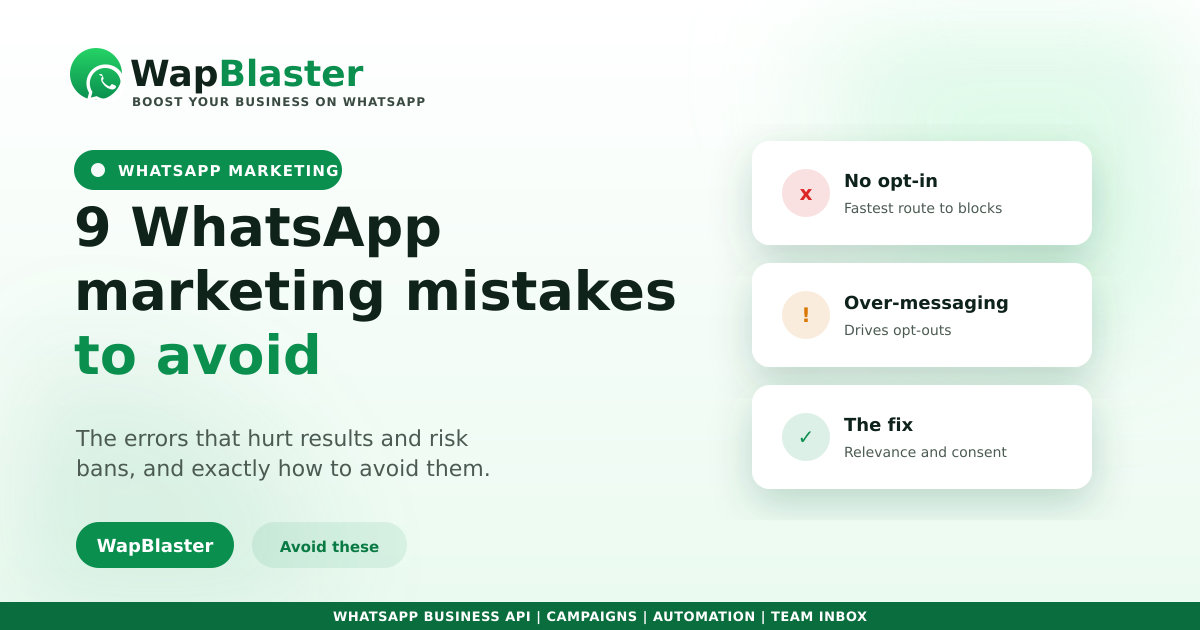
WhatsApp is a powerful channel, but it is easy to get wrong in ways that hurt results or even get your number blocked. Most mistakes come from treating it like email or SMS blasting rather than a permission-based conversation channel. Here are the most common mistakes and how to avoid them.
Permission and sending mistakes
- Messaging without opt-in. The fastest route to blocks and complaints. Always collect clear permission, per our compliance guide.
- Buying contact lists. These are not opted in and will damage your sender reputation.
- Sending too often. Over-messaging drives opt-outs. Send when you have something worthwhile.
Content and targeting mistakes
- Blasting everyone the same message. Segment and personalise instead.
- Being all promotion. Mix value, service and offers, not just sales.
- Ignoring replies. WhatsApp is two-way; unanswered messages waste its biggest strength.
Setup and measurement mistakes
- Skipping templates. Business-initiated messages need approved templates.
- No automation for first replies. Slow responses lose high-intent leads.
- Not tracking results. Without metrics you cannot improve.
Fix the basics first
Clean opt-ins, relevant and well-timed messages, fast replies and proper measurement prevent almost every serious problem. Get these right and the channel rewards you.
Frequently asked questions
What is the biggest WhatsApp marketing mistake?
Messaging people who never opted in. It drives complaints and blocks, damages your sender reputation and undermines trust. Always collect clear, specific permission before sending, and respect opt-outs immediately.
How often should I message customers on WhatsApp?
There is no fixed number, but send only when you have something genuinely worthwhile. Over-messaging is a leading cause of opt-outs. Quality and relevance matter far more than frequency on this channel.
Why is my WhatsApp number getting blocked?
Usually because of messaging without opt-in, buying lists, sending too frequently or high report rates. Fix the root cause by messaging only opted-in contacts with relevant content, and the problem typically resolves.
Do I really need approved templates?
Yes, for business-initiated messages. Skipping proper templates leads to failed sends and policy issues. Our approval guide shows the correct format and how to avoid the common reasons templates get rejected.
Do WhatsApp right. Explore WapBlaster or start free.