

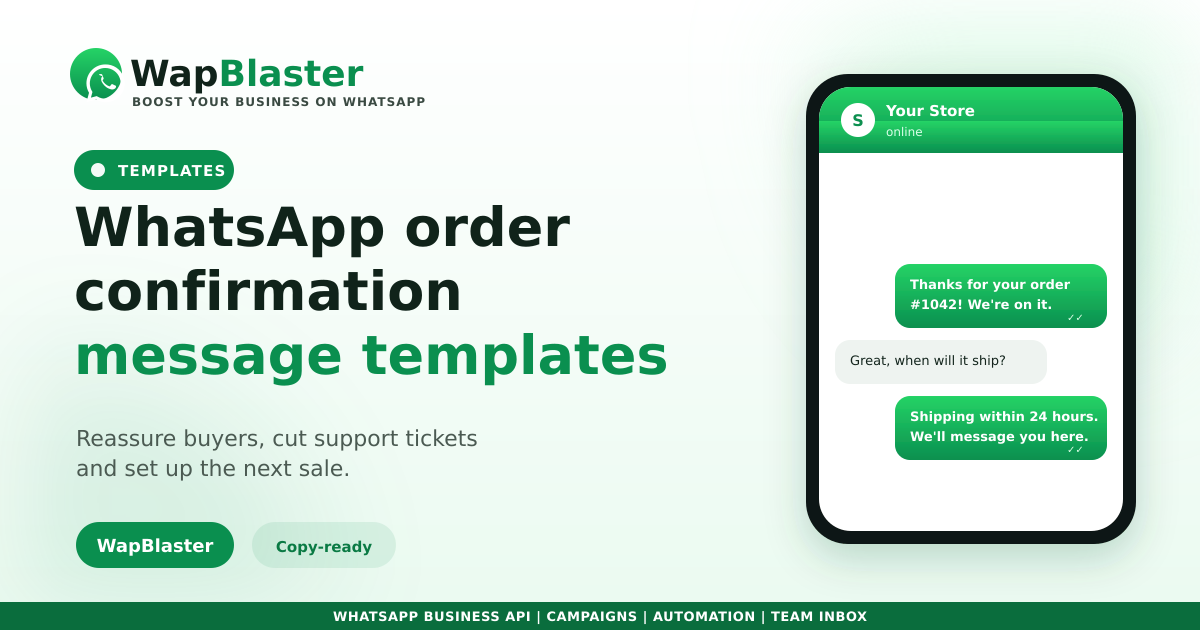
The order confirmation is the first message a customer gets after buying, and it sets the tone for the whole relationship. Done well, it reassures the buyer, reduces "did my order go through?" tickets and opens the door to the next sale. Below are copy-ready templates you can adapt and get approved.
Basic order confirmation
Clear, warm and complete. Confirm the order and what happens next.
- Hi {name}, thanks for your order #{order_id}! We have received it and are getting it ready. We will message you here as soon as it ships.
Confirmation with order details
- Hi {name}, your order #{order_id} is confirmed. Total: {amount}. Delivery to: {address}. Estimated delivery: {date}. Reply here if anything looks off.
Confirmation with a next step
- Hi {name}, order #{order_id} confirmed and on its way to being packed. Want to add anything before it ships? Just reply and we will sort it.
These use dynamic fields, see our personalization guide for how variables work, and must be submitted as templates, covered in the approval guide.
Tips that make confirmations convert
- Always include the order number so support is easy.
- Set a clear next-step expectation (shipping, timing).
- Invite a reply, this turns a receipt into a conversation.
- Keep it short, people scan these on their phone.
Frequently asked questions
Do WhatsApp order confirmations need to be approved templates?
Yes. Business-initiated messages like order confirmations must be submitted and approved as templates with any dynamic variables, such as name and order number. Our approval guide walks through the format and common rejection reasons.
What should an order confirmation message include?
At minimum the customer name, order number and a clear next step. Adding the total, delivery address and estimated date reassures the buyer and cuts support questions. Keep it short and easy to scan on a phone.
Can I add an upsell to an order confirmation?
Keep the confirmation primarily about reassurance, but a light invitation to add an item before shipping, or to reply with questions, works well. Avoid turning the receipt into a hard sell, which can feel pushy at this moment.
How do I personalise order confirmations at scale?
Use template variables for the name, order number, amount and dates, populated automatically from your store or system. This lets every message feel personal while being sent automatically. See our personalization guide for details.
Confirm every order automatically. Explore WapBlaster API or start free.