

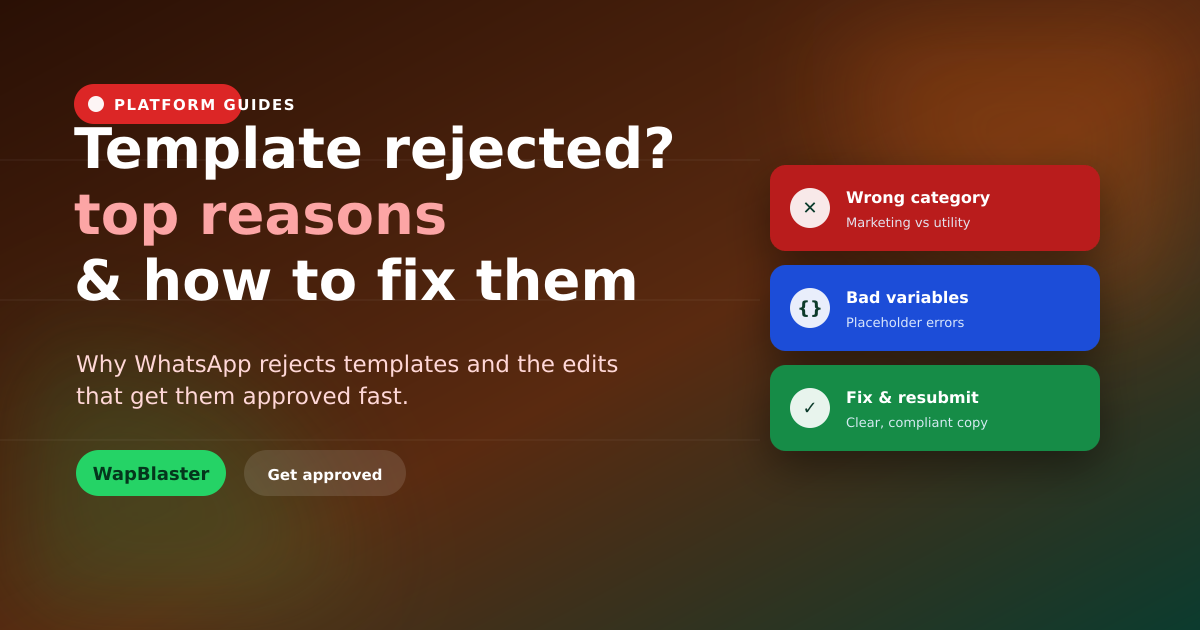
Few things stall a WhatsApp campaign like a rejected template. The good news: rejections almost always come down to a handful of fixable issues. Once you know what Meta looks for, you can get templates approved quickly and avoid repeated rejections. Here are the common reasons and how to fix each.
Wrong category
Submitting a promotional message as Utility (or vice versa) is a leading cause of rejection or reclassification.
- Match the category to the true purpose, Marketing, Utility or Authentication.
- Promotional content must be Marketing; transactional updates are Utility.
- See our categories guide to choose correctly.
Placeholder and variable errors
Malformed variables are a frequent, easily-fixed cause.
- Do not start or end a template with a variable.
- Do not place variables next to each other with no text between.
- Provide clear sample values for every placeholder.
Formatting and content issues
- Fix spelling, grammar and excessive capitalisation or symbols.
- Avoid vague or misleading content.
- Keep it clear and consistent with your business.
Policy violations
Content that breaches WhatsApp's rules, prohibited goods, misleading claims, will be rejected. Keep messaging honest and compliant, per the policy rules. The full approval guide has examples.
How to fix and resubmit
Read the rejection reason, correct the specific issue, category, variables, wording, and resubmit. Do not repeatedly submit the same template unchanged; that wastes time and can flag your account. If a display name issue is involved, see our display name fix checklist.
Frequently asked questions
Why did WhatsApp reject my template?
The most common reasons are the wrong category (e.g. a promotion submitted as Utility), malformed variables or placeholders, spelling and formatting issues, and policy violations. Each is fixable once identified.
How do I fix a rejected template?
Read the specific rejection reason, correct that issue, choose the right category, fix variable formatting, clean up wording, and resubmit. Avoid resubmitting the same template unchanged, which wastes time and can flag your account.
What are the rules for template variables?
Do not start or end a template with a variable, do not place variables directly next to each other without text between them, and always provide clear sample values for every placeholder.
How do I choose the right template category?
Match the category to the message's true purpose: Marketing for promotional content, Utility for transactional updates tied to an order or request, and Authentication for verification codes. The wrong category causes rejection or reclassification.
Get approved faster. Read the template guide or start with WapBlaster.