

When several agents share one WhatsApp number, conversations can get missed or answered twice. WapBlaster’s shared team inbox keeps everything organised. This guide shows how your team can work from one inbox with clear ownership.
Step 1: Open the team inbox
Open the WhatsApp chat inbox where all customer conversations for your business number appear in one place.
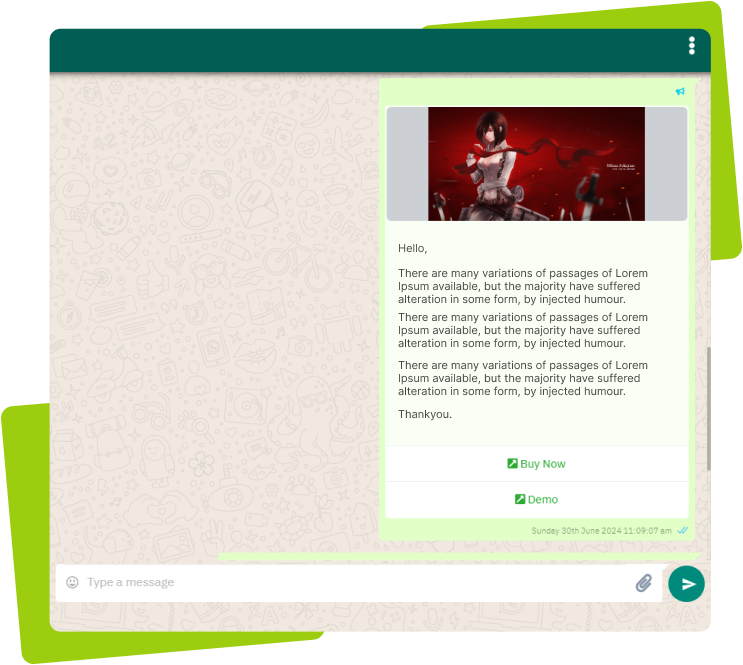
Step 2: See conversations and context
Each conversation shows the customer’s history and status, so any agent can pick up where the last one left off.
Step 3: Reply as a team
Multiple agents can respond from the same number. The customer sees one consistent business, not different personal numbers.
Step 4: Assign and hand over cleanly
Assign a conversation to the right agent or team so ownership is clear and nothing falls through the cracks.
Step 5: Keep response times healthy
Monitor unanswered chats and response times so customers get timely replies during busy periods.
Helpful next reads
Shared WhatsApp team inbox feature, WhatsApp team inbox guide, How to manage chats with labels.
Frequently asked questions
What is a shared team inbox in WapBlaster?
It is a single inbox where multiple agents handle WhatsApp conversations for one business number, with shared context, assignments and status so nothing is missed.
Can several agents reply from one WhatsApp number?
Yes. The shared inbox lets multiple agents respond from the same number, and the customer sees one consistent business rather than different personal numbers.
How do we avoid two agents replying to the same chat?
Assign conversations to a specific agent or team so ownership is clear, and monitor the inbox so replies are timely and not duplicated.