

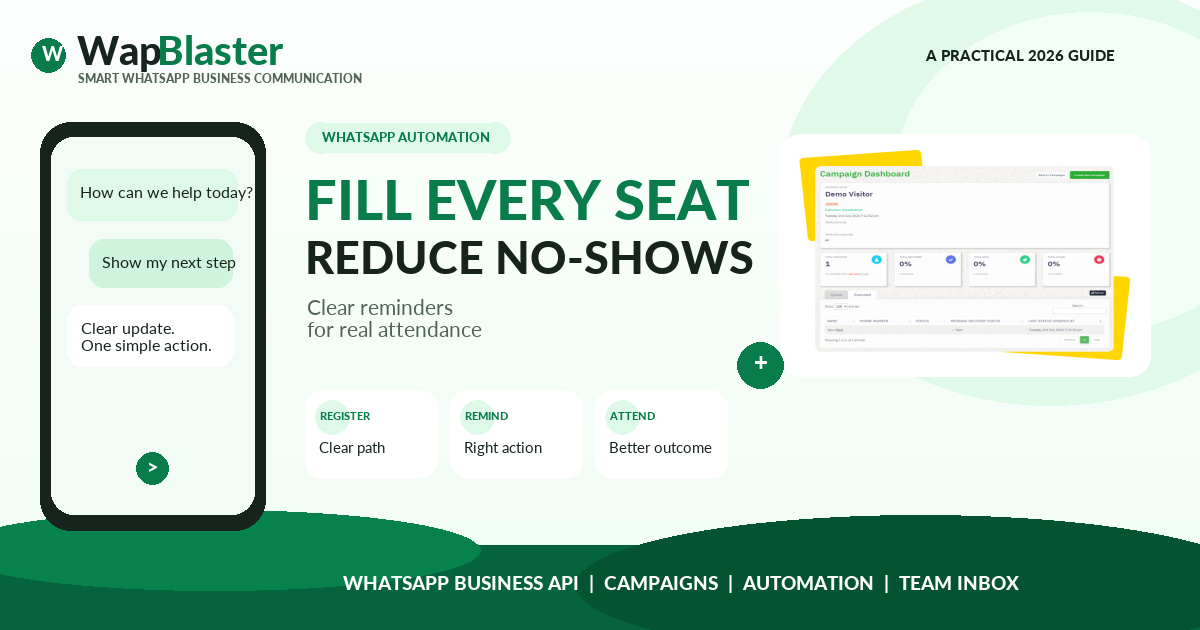
Event messages work when they make attendance easier, not when they simply repeat a promotional headline. A useful WhatsApp journey confirms the booking, provides the right practical details and gives the attendee a simple way to update their plans.
Plan the customer journey before building the campaign
Design the journey around the attendee timeline: registration, confirmation, preparation, reminder, arrival and follow-up. Each stage should answer the question most likely to block attendance.
Use the WhatsApp message scheduling guide to strengthen this part of the workflow with proven implementation detail.
Build a workflow the team can operate consistently
Document the trigger, owner, handoff and expected response for every stage. A workflow is only useful when the people handling customer conversations can see the context and act without improvising.
Use the WhatsApp Flows guide to strengthen this part of the workflow with proven implementation detail.
- Capture only the registration information needed for attendance and make the confirmation immediate.
- Schedule practical reminders with date, time, venue or joining details and a clear action for changes.
- Create a waitlist or cancellation path so vacant capacity can be offered responsibly.
Measure quality as well as immediate activity
Track registrations, confirmation rate, cancellations, attendance and post-event actions separately. This helps distinguish a weak event proposition from a simple reminder or logistics problem.
Use the WhatsApp for travel and hospitality guide to strengthen this part of the workflow with proven implementation detail.
Protect trust while you scale the workflow
Keep promotional messaging separate from the operational updates an attendee expects. Do not send unrelated offers to an event registration list without appropriate consent.
Helpful next reads
WhatsApp automation workflow guide, WhatsApp template approval guide, WhatsApp analytics metrics.
Frequently asked questions
When should WhatsApp event reminders be sent?
Confirm immediately after registration, send a practical reminder when preparation is needed and provide a final timely prompt before the event. Test timing while respecting customer expectations.
What should an event reminder include?
Include the event name, date, time, joining or venue details and a single clear action such as confirming, viewing directions or cancelling.
Can WhatsApp reduce event no-shows?
It can reduce avoidable confusion when messages provide useful logistics and an easy cancellation or rescheduling route. Measure attendance against confirmed registrations to improve the workflow.