

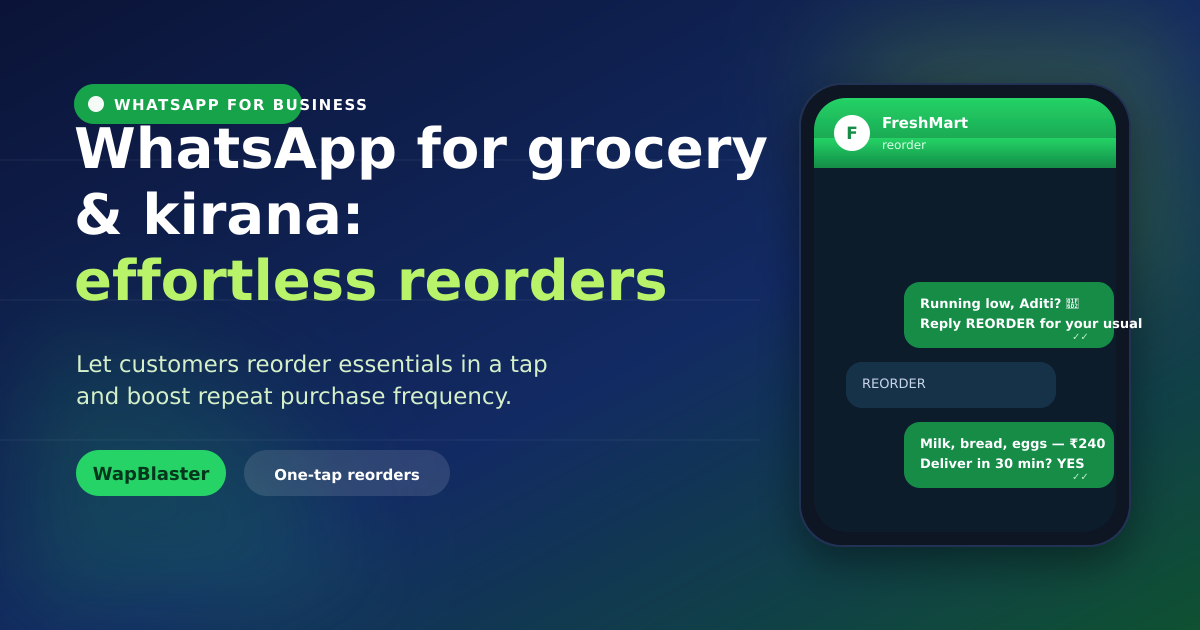
Groceries are bought again and again, which makes them perfect for WhatsApp. Your customers already message you; the opportunity is to make reordering so easy that your store becomes the default choice. For kirana shops and quick-commerce brands alike, WhatsApp turns a one-time buyer into a weekly habit.
Why WhatsApp fits grocery perfectly
- High frequency: customers reorder essentials constantly — small nudges compound.
- Low friction: no app to download; they order in a chat they already use.
- Local trust: a familiar shop on WhatsApp feels personal and reliable.
One-tap reorders
The killer feature for grocery is the effortless repeat order.
- Save each customer's "usual" basket and let them reorder it with a single tap.
- Send a gentle reminder when they are likely running low on staples.
- Confirm the order, total and delivery slot right in chat.
Share your catalog in chat
Let customers browse without leaving WhatsApp. A catalog in chat shows products, prices and images, and shoppers can build a cart by tapping. For a wide range, compare approaches in our guide on catalog vs website store.
Handle orders and payments smoothly
- Use interactive menus for categories and quantities.
- Confirm substitutions in chat when an item is out of stock.
- Share the total, accept payment or confirm COD, and send a delivery ETA.
Boost basket size and frequency
Small, relevant nudges add up. Suggest a complementary item at checkout ("add bread with your milk?"), promote fresh arrivals, and offer a weekend combo. Because grocery margins are thin, focus on frequency and basket size rather than deep discounts — a simple loyalty nudge works better than price cuts.
Keep it personal and compliant
Use a shared team inbox so staff can juggle many chats without dropping any, personalise with names and past orders, and always get opt-in before sending reminders. Keep messages useful — a reorder nudge is welcome; daily promotions are not. Follow WhatsApp's policy rules to protect your number.
Frequently asked questions
How do one-tap reorders work on WhatsApp?
You save each customer's regular basket, then let them reorder it with a single tap or reply. A timely reminder when they are likely running low prompts the reorder, and you confirm the total and delivery slot right in the chat.
Do customers need an app to order groceries on WhatsApp?
No. That is the advantage — they order in a chat they already use, with no app to download or account to create. This low friction is why WhatsApp lifts reorder frequency for grocery and kirana stores.
Can I show my full product range on WhatsApp?
Yes. A WhatsApp catalog lets customers browse products, prices and images in chat and build a cart by tapping. For very large ranges, a website store paired with WhatsApp for ordering and reorders often works best.
How often should I message grocery customers?
Keep it useful, not constant. Reorder reminders timed to when staples run low are welcome; daily promotions are not. Getting the frequency right protects your number quality and keeps customers opted in.
Become the default grocery order. Explore in-chat commerce or start with WapBlaster.