

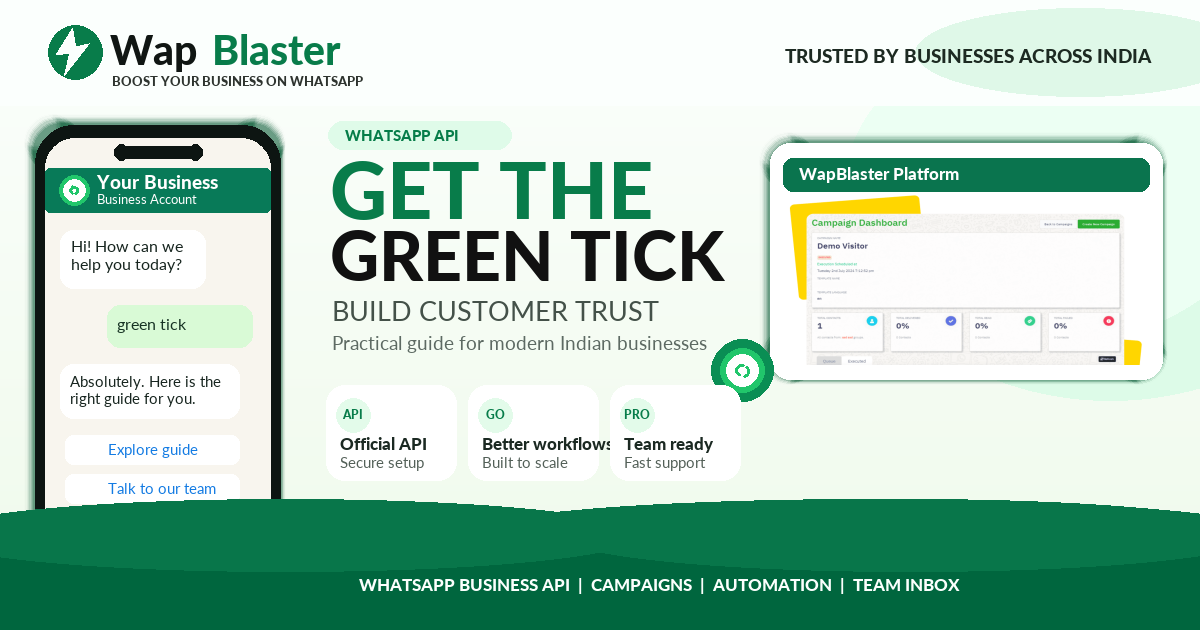
The badges on WhatsApp confuse a lot of businesses. Green tick, blue tick, verified name, business verification: they are not all the same thing. Here is a clear breakdown for 2026 so you know what to aim for.
Business verification
This is Meta confirming your business is legitimate through your Business Manager. It is a foundation step and unlocks higher messaging limits, but it is not a visible badge on your chats.
The official business account badge (green tick)
The green tick, now shown as a verified badge, marks your business as authentic and notable. It builds instant trust with customers and is granted by Meta based on eligibility, not payment alone.
Display name and blue tick confusion
- Your verified display name lets you show a business name instead of a number.
- The blue tick people know from other Meta apps is a separate, platform-specific mark and not the same as the WhatsApp business badge.
How to qualify for the badge
- Complete Meta Business verification.
- Use the official WhatsApp Business API.
- Maintain a good quality rating and real business presence.
- Apply and meet Meta notability criteria.
How WapBlaster helps
WapBlaster runs on the official API and guides you through verification and the badge process. Get verified on the WapBlaster platform.
Why the badges cause so much confusion
The confusion between green tick, blue tick and business verification exists because people carry over assumptions from other platforms. On some Meta apps a blue tick means a verified public figure or brand; on WhatsApp there is no blue tick in that sense, the verified business mark is the green Official Business Account badge. Meanwhile "business verification" is a behind-the-scenes step in Business Manager, not a visible badge at all. Separating these three, a background verification step, a visible green badge, and a display name, clears up most of the misunderstanding.
What each layer actually gives you
Each layer delivers a different benefit. Business verification unlocks higher messaging limits and is the prerequisite for the badge, but customers never see it. A verified display name lets your brand name show in chats instead of a bare number, which most businesses can achieve and which delivers a large share of the trust benefit. The green tick sits on top as Meta's confirmation that you are a notable, authentic brand, and it is the hardest to get because it depends on notability rather than payment. Knowing which layer you actually need helps you set realistic goals.
Realistic expectations for your business
Be clear-eyed about what you can achieve now. Any legitimate business can complete verification and get an approved display name, and that alone makes your WhatsApp presence look professional and trustworthy. The green tick is discretionary and notability-driven, so a newer or lesser-known business may not qualify yet, and no one can guarantee it or sell it to you. The sensible path is to secure verification and a strong display name, build a genuine brand footprint and press presence over time, then apply for the badge when your notability supports it.
Frequently asked questions
Is the WhatsApp green tick the same as a blue tick?
No. The green tick is the Official Business Account badge on WhatsApp. The blue tick people know from other Meta apps is a separate, platform-specific mark.
Do I need to pay for the green tick?
No. Meta does not charge for the badge, and it cannot be bought. Approval is based on business verification and notability.
What is business verification?
It is Meta confirming your business is legitimate through Business Manager. It unlocks higher limits and is a prerequisite for the green tick.