

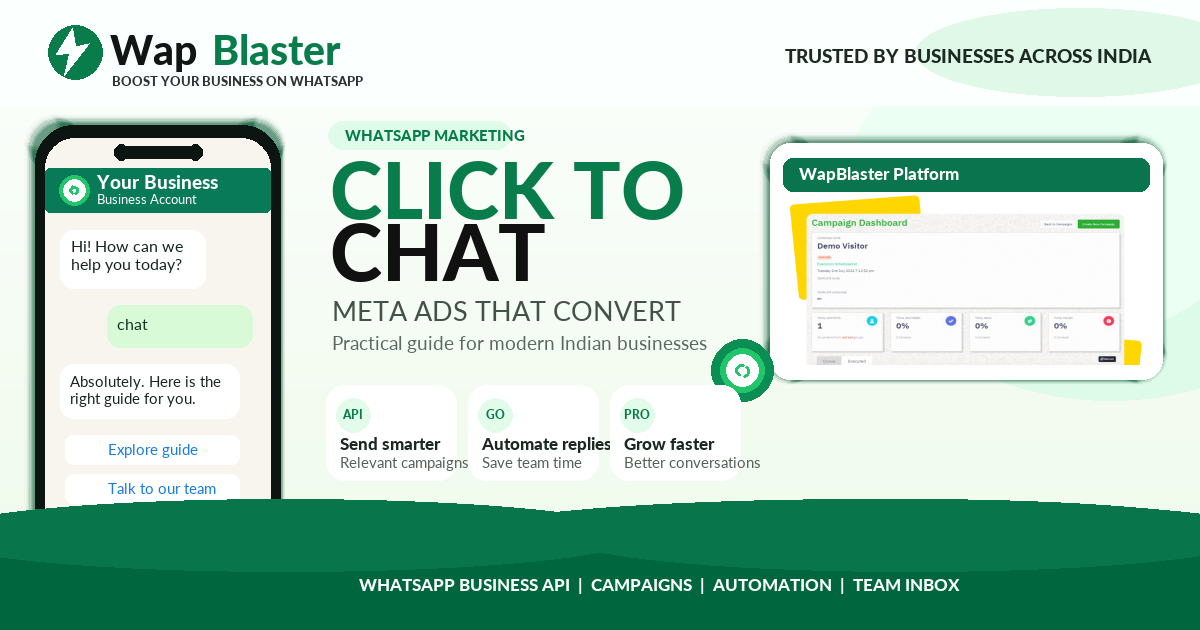
Click-to-WhatsApp Ads (CTWA) are Meta ads on Facebook and Instagram that open a WhatsApp chat instead of sending people to a landing page. They combine the reach and targeting of Meta's ad platform with the intimacy and conversion power of a one-to-one conversation. This complete 2026 guide explains how they work, how to set them up, and how to make them convert.
What are Click-to-WhatsApp Ads?
A Click-to-WhatsApp Ad looks like a normal Facebook or Instagram ad, but its call to action is "Send Message" or "Chat on WhatsApp." When someone taps it, WhatsApp opens with a pre-filled message to your business number, starting a real conversation. There is no landing page, no form, and no friction — the customer is talking to you within seconds.
Why CTWA ads convert so well
- Zero landing-page drop-off. Every tap becomes a conversation, not a bounce.
- Instant, personal engagement. You answer questions at the exact moment of interest.
- Rich follow-up. Once someone messages you, you can continue the relationship on WhatsApp (within policy).
- Trust. A conversation feels more human than a form, which lifts conversion for considered purchases.
- Great for markets where WhatsApp is dominant, such as India, the Middle East, Latin America, and Southeast Asia.
When to use Click-to-WhatsApp Ads
CTWA is especially strong for:
- High-consideration products where buyers have questions (real estate, education, healthcare, B2B, high-ticket retail).
- Services that require a quote or consultation.
- Local businesses that close over chat or phone.
- Lead generation where speed-to-response decides who wins the customer.
How to set up a Click-to-WhatsApp Ad
- Connect your assets. Link your WhatsApp number (Business App or API) to your Facebook Page and Meta Business account.
- Create a campaign in Ads Manager. Choose an objective that supports WhatsApp as a destination — typically Engagement, Leads, or Sales.
- Select WhatsApp as the conversion location. Set the ad's message destination to WhatsApp.
- Define targeting. Choose your audience by location, interests, behaviours, or custom/lookalike audiences.
- Design the creative. Add your image or video, headline, and primary text with a clear reason to message you.
- Write the pre-filled message. Set the opening text that appears in WhatsApp, e.g. "Hi, I'd like to know more about {{offer}}."
- Set your budget and publish. Start modestly, then scale what works.
Writing ad copy that earns the tap
- Lead with a benefit or a question that matches the customer's need.
- Make the next step obvious: "Message us for a free quote," "Chat now for today's price."
- Reduce risk: mention free consultation, no obligation, or instant answers.
- Use creative that stops the scroll — real product shots or short video outperform generic stock.
What happens after the tap: don't waste the lead
The ad only starts the conversation — your response wins or loses the sale. Best practice:
- Reply instantly. Use an automated greeting or chatbot so no lead waits, even outside business hours.
- Qualify quickly. Ask one or two questions to understand the need.
- Guide to the outcome. Share the quote, product link, or booking option.
- Follow up. If they go quiet, a well-timed, permitted follow-up recovers many sales.
Pairing CTWA with an always-on chatbot is the single biggest lever for ROI, because response speed is decisive.
Measuring ROI
Track the full funnel, not just clicks:
- Cost per conversation started — your primary CTWA metric.
- Conversation-to-lead rate — how many chats become qualified leads.
- Lead-to-sale rate and cost per acquisition.
- Revenue per conversation to compare against other channels.
Meta's reporting shows conversations started; connect the downstream outcomes in your CRM or WhatsApp platform to see true return.
Common mistakes to avoid
- Slow replies. A lead that waits an hour is often already gone.
- No follow-up system. Most sales happen after the first message, not during it.
- Vague creative. If the ad doesn't say why to message, people won't.
- Ignoring policy. Respect opt-in and the 24-hour window; use templates when messaging outside it.
- Not tracking beyond clicks. Optimise for conversations and revenue, not just cheap taps.
Tying it together
Click-to-WhatsApp Ads bring people to a conversation; a platform like WapBlaster makes sure every conversation is answered instantly with automation, routed to the right agent, and followed up — turning ad spend into closed sales on the official WhatsApp Business API.
Frequently asked questions
Do I need the WhatsApp Business API for CTWA ads?
You can run CTWA with the free WhatsApp Business App for low volumes, but the API is strongly recommended once you scale, because it enables automation, multiple agents, and integrations.
How much do Click-to-WhatsApp Ads cost?
You pay Meta's normal ad costs; there is no extra charge for choosing WhatsApp as the destination. Your effective cost depends on targeting, creative, and how well you convert conversations.
Can I automate replies to CTWA leads?
Yes — an automated greeting or chatbot responds instantly to every new conversation, which is the key to a strong return on ad spend.
Which businesses benefit most from CTWA?
Any business where a conversation closes the sale: high-consideration products, services needing a quote, local businesses, and lead generation in WhatsApp-first markets.